Settings-Accessibility.
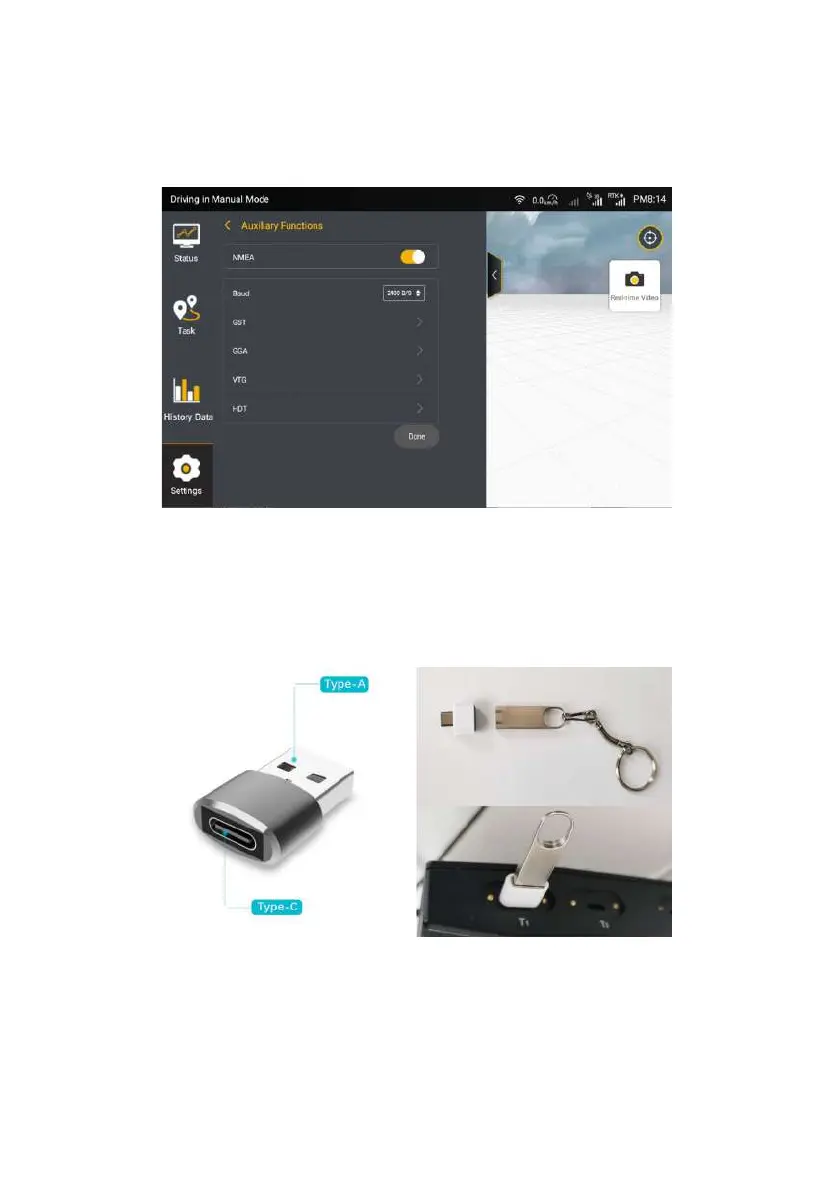
Figure 3.5.6 NMEA settings
Data Transfer
Step 1: Insert the mobile storage device into the T1 port above the vehicle
display control terminal (the T1 port is a USB Type-C port, if the mobile storage
device is a Type-A port, it is required to purchase a connector converter).
Figure 3.5.7 Connection diagram of mobile storage device
Step 2: Enter the data transfer interface, user can export map information
©FJ Dynamics Technology Co., Ltd. All rights reserved.



 To Next Page