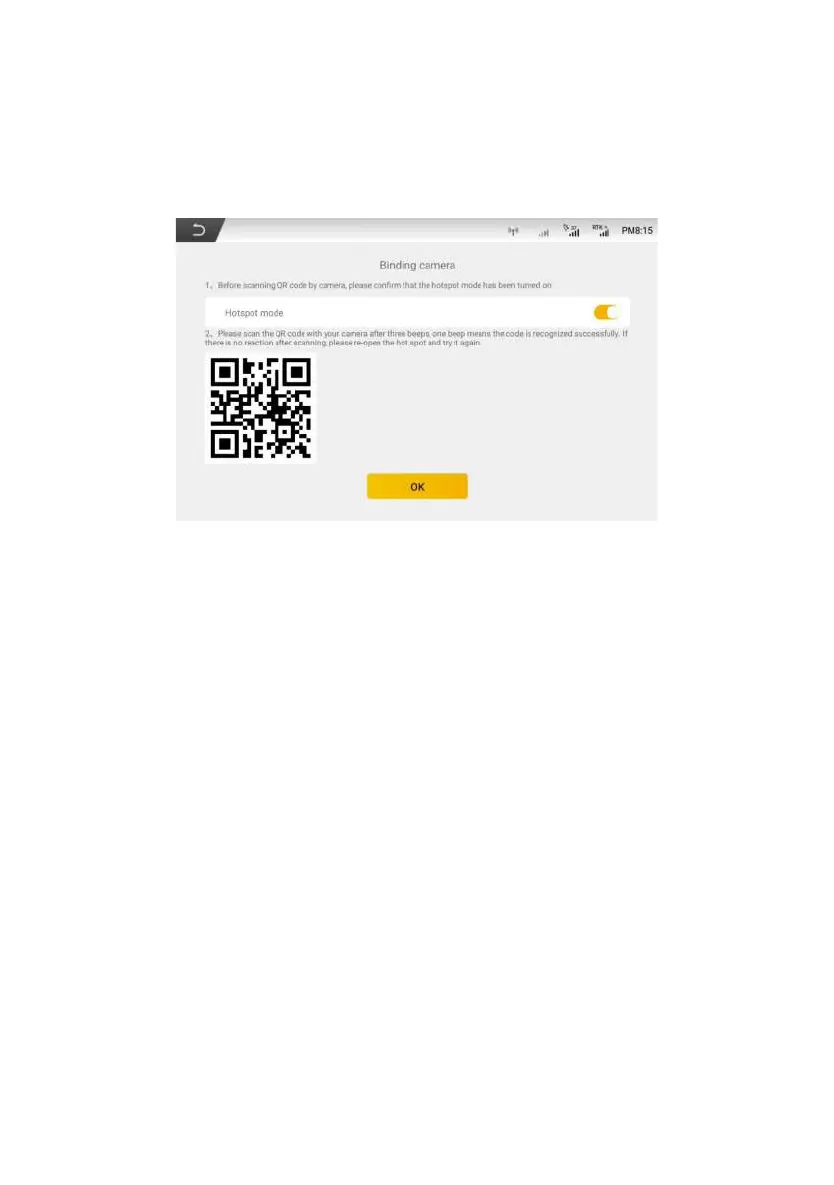
required to bind other cameras, click “Delete” and repeat the binding steps to
bind.
Figure 3.5.18 WiFi camera configuration
4. After the binding is completed, user can click return button in the upper
left corner to enter the working interface, and Click real-time video button to open
the main interface display.
5. Click “Switch” button to switch the camera.Click “Full Screen” button to
maximize the camera interface, and click again to restore. Click “Close” to close
the camera window in a real time manner.
©FJ Dynamics Technology Co., Ltd. All rights reserved.



 To Next Page