4.5. Statistics
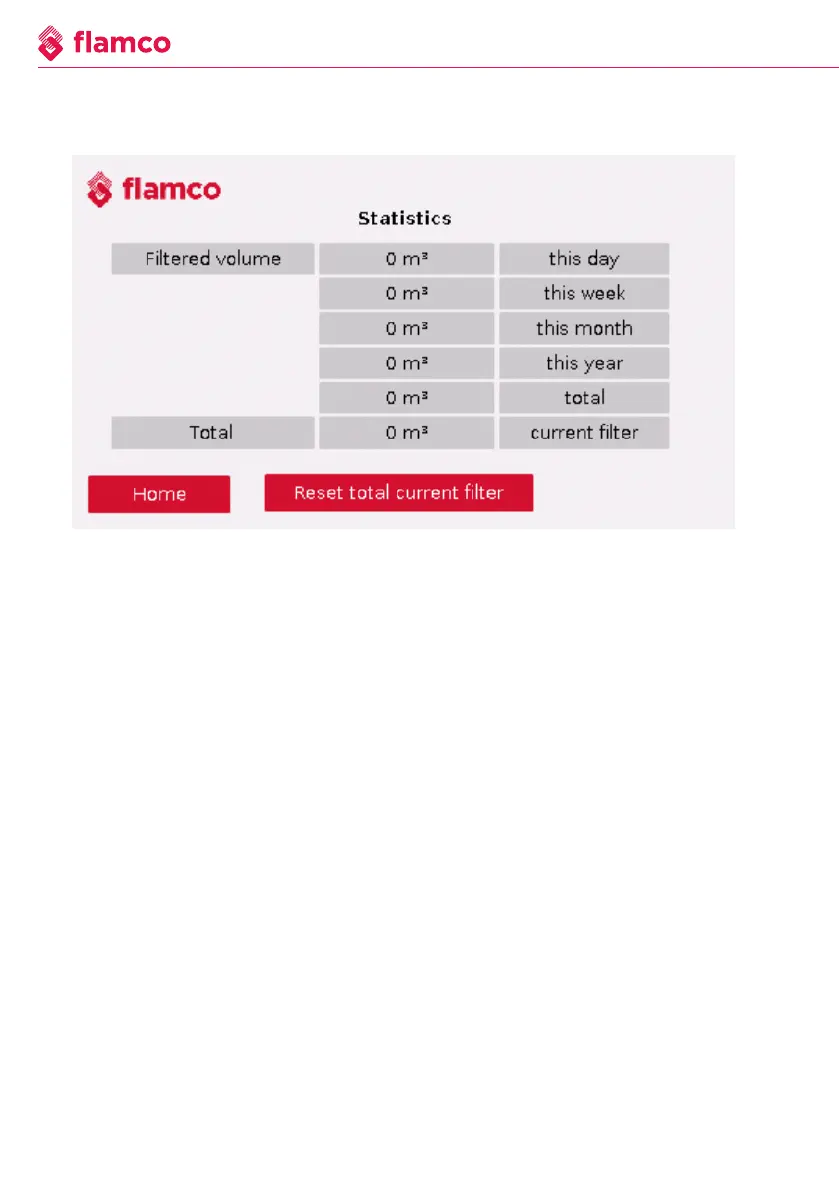
Figure 4.5 Statistics
The “Statistics” submenu displays the filtered quantity over the respective period. If a
new filter bag is inserted, this should be confirmed using the ''Reset total current filter''
button so that the displayed quantity also corresponds to the current filter. When you
press the reset button, only the last line is reset.
26 We reserve the right to change the design and technical specifications of our products.



 To Next Page