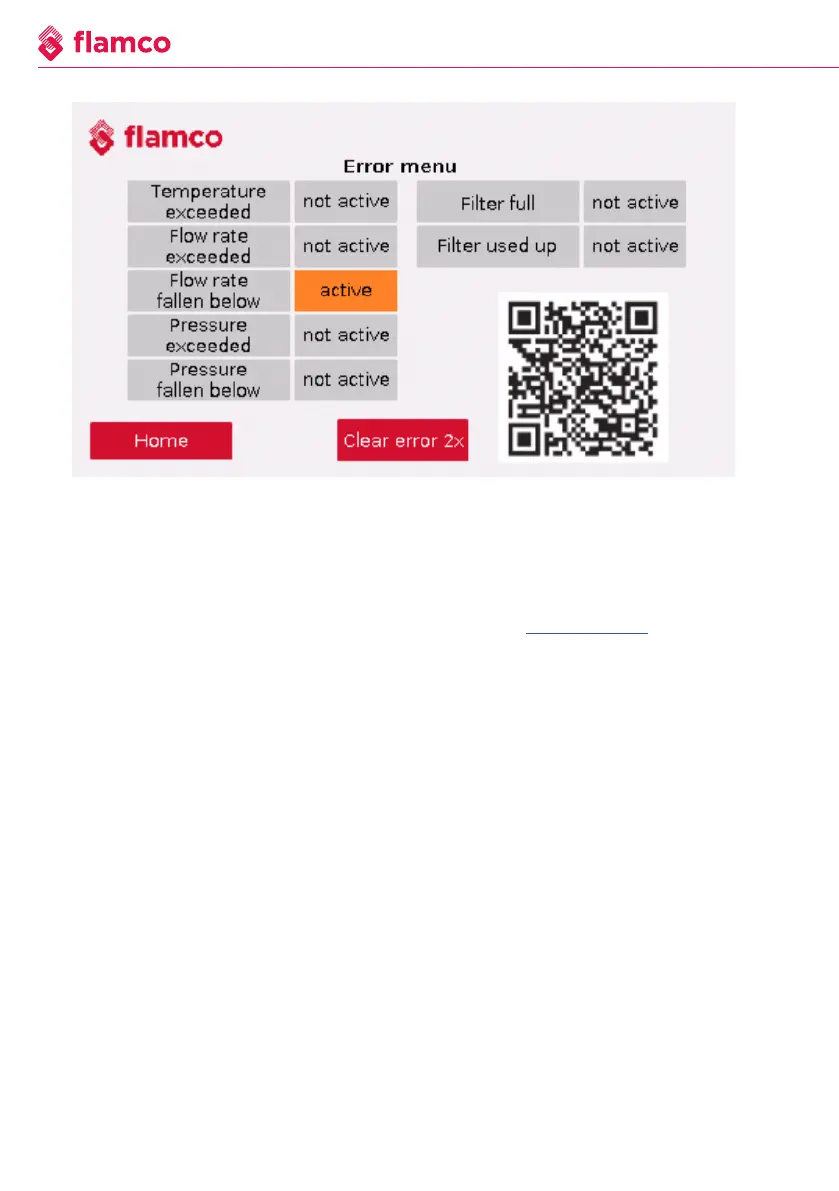
Figure 4.6.1. Error menu
The error menu shows which error is active. The error can be cleared using the ''Clear
error'' button. The button must be pressed twice. Once so that the error on the display
is deleted and once so that the control system releases the system again.
By scanning the QR code, the detailed error description (see chapter 6.5) of the
Sideflow Clean can be retrieved.
28 We reserve the right to change the design and technical specifications of our products.



 To Next Page