第 三十 页 共 三十
This operation cannot be done until your machine has been connected to your
computer.
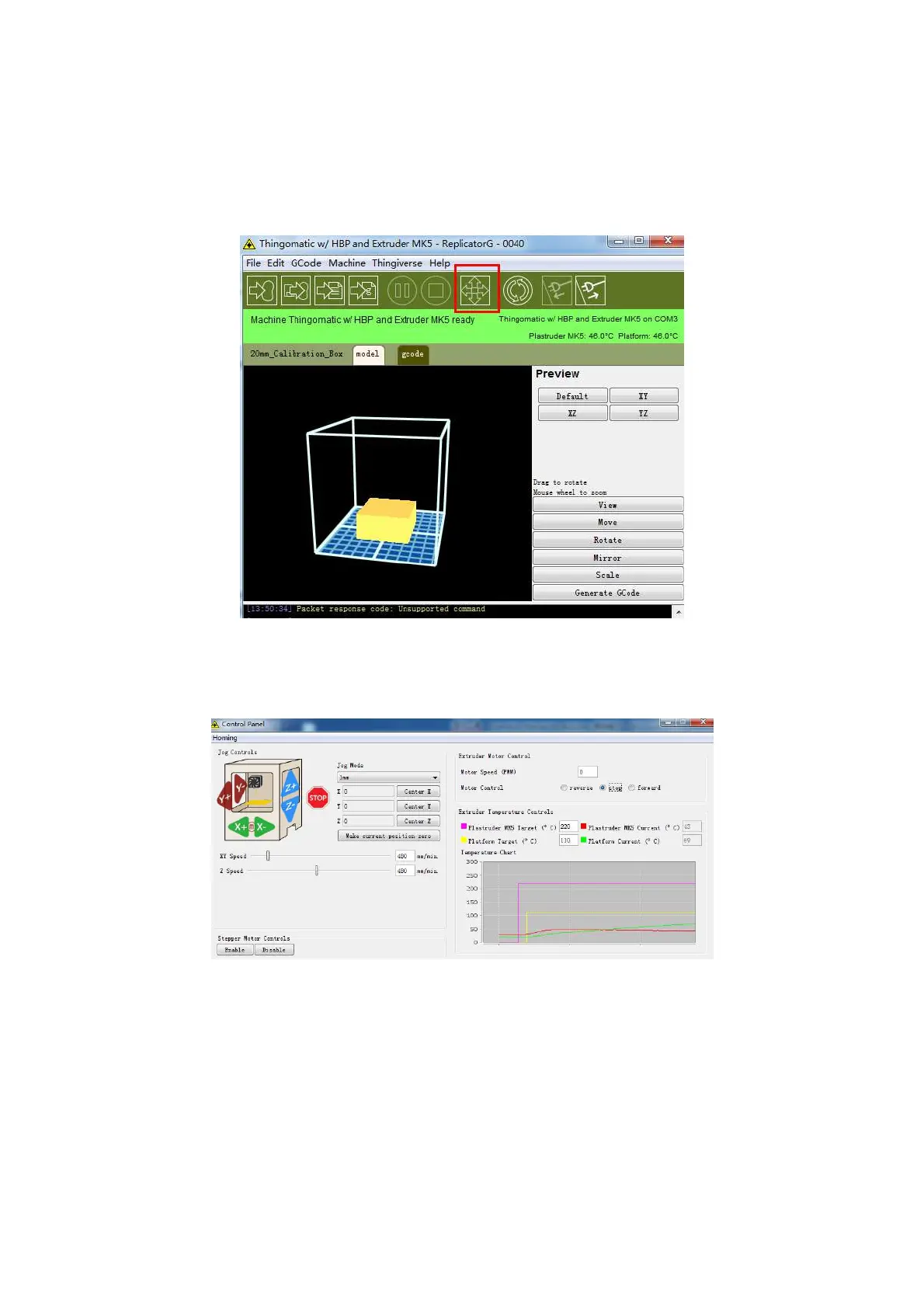
If the print software is successfully connected, a dialog box will pop up:
Click the icon in the red box -- this is the Control Panel icon. The dialog box shown
below will then pop up.
To heat the right extruder and feed material: click the right extruder in red box on the
upper right corner of the control panel -- manually modify the temperature in the right
target of extruder temperature control -- and change the temperature to 220 degrees. A
rose red line will move around in the temperature map. When the actual temperature
reaches 220 degrees, you can pull out the filament out.















 To Next Page