Finder User Guide | www.flashforge.com 0086-0579-82273989
25
Chapter 4: Hardware Assembly
Your Finder has been installed before leaving factory, you can start up the Finder for
printing after mounting the filament spool and completing leveling.
4.1 Filament Installation
4-1
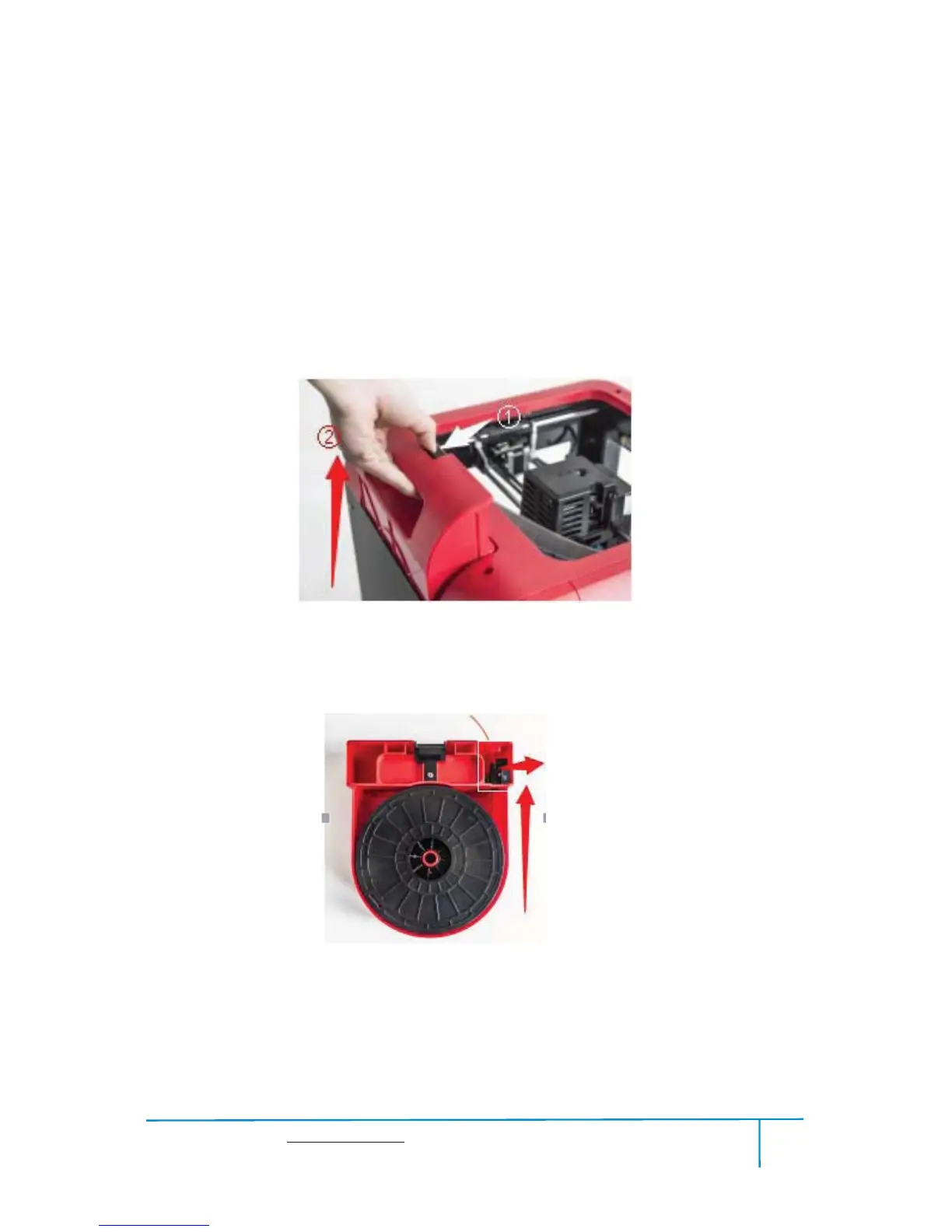
(4-1) The filament cartridge is at the rear of Finder. Lift the cartridge out of the Finder.
4-2
(4-2) Take out the filament and thread it through the filament detecting equipment.
(Note: The filament should feeds from the bottom of the spool towards the top )
BlackFilamentDetecting
Equipment















 To Next Page