Finder User Guide | www.flashforge.com 0086-0579-82273989
61
Next, we are going to print the model.
7.2 Print Methods
After generating the Gcode file, you can transfer it to your Finder. You can transfer the
file through USB cable and USB stick.
7.2.1 Print from Computer (USB connection)
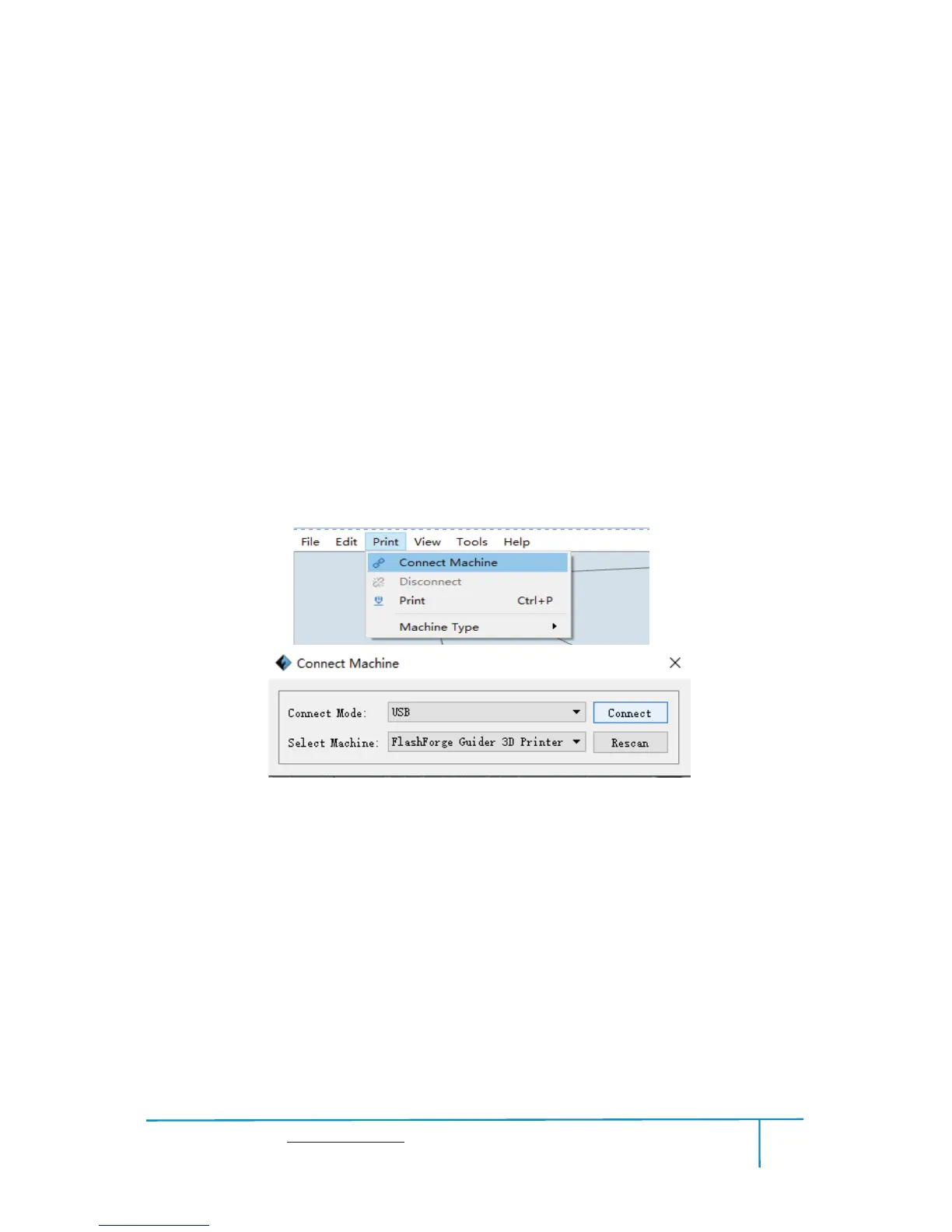
Connect your Finder with your PC ķvia a USB cable.
Turn on your Finder, level the build plate and load the filament.ĸ
ĹClick
[Print] and transfer your Gcode file to your Finder. After completing
transference, the printer will heat up automatically. And when heating finishes, the
print will start to build the model.
78
ĺWhen your PC connects with FlashPrint successfully. The status box on the
bottom right displays the real-time nozzle temperature. After finishing preheating,
your Finder starts the print job directly.
7.2.2 Print from Computer (WIFI connection)
Connect your Finder with your PC via WIFI.(Please refer to 6.1.13)ķ
Turn on your Finder, level the build plate and load the filament.ĸ
ĹClick
[Print]and transfer your Gcode file to your Finder. After completing















 To Next Page