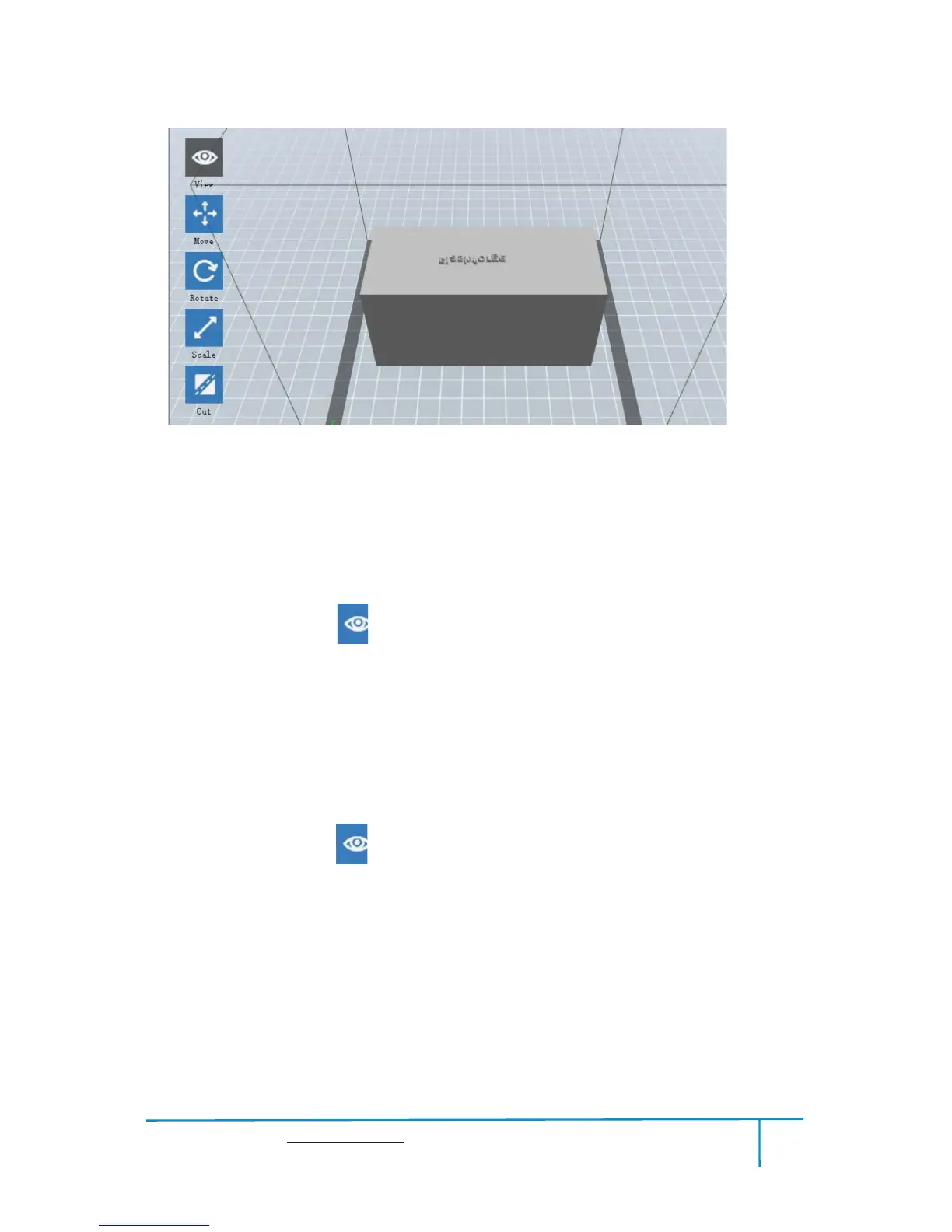
Change model views by moving, rotating, scaling.
Drag
Click the
[View] icon and then you can move the object by the following three
methods:
Method 1: Hold down the left mouse button and drag.
Method 2: Hold down the middle mouse button and drag.
Method 3: Hold down the
Shift key, hold down the right mouse button and drag.
Rotate
Click the
[View] iconand then you can rotate the object by the following two methods:
Method 1. Hold down the right mouse button and drag.
Method 2. Hold down theShiftkey, hold down the left mouse button and drag.
Scale
Rotate the mouse wheel to enlarge or shrink the build plate.















 To Next Page