Finder User Guide | www.flashforge.com 0086-0579-82273989
44
Clear Supports
Click
[Clear Supports], all supports will be deleted. The operation can be repealed
via clicking
[Undo] or pressing the shortcut key Ctrl+Z.
Delete Supports
Supports will be deleted once clicking the
[Delete] button. Move the cursor to the
supports needed deleting, current supports and its subnode support will be highlighted,
click the left mouse button to delete these highlighted support.
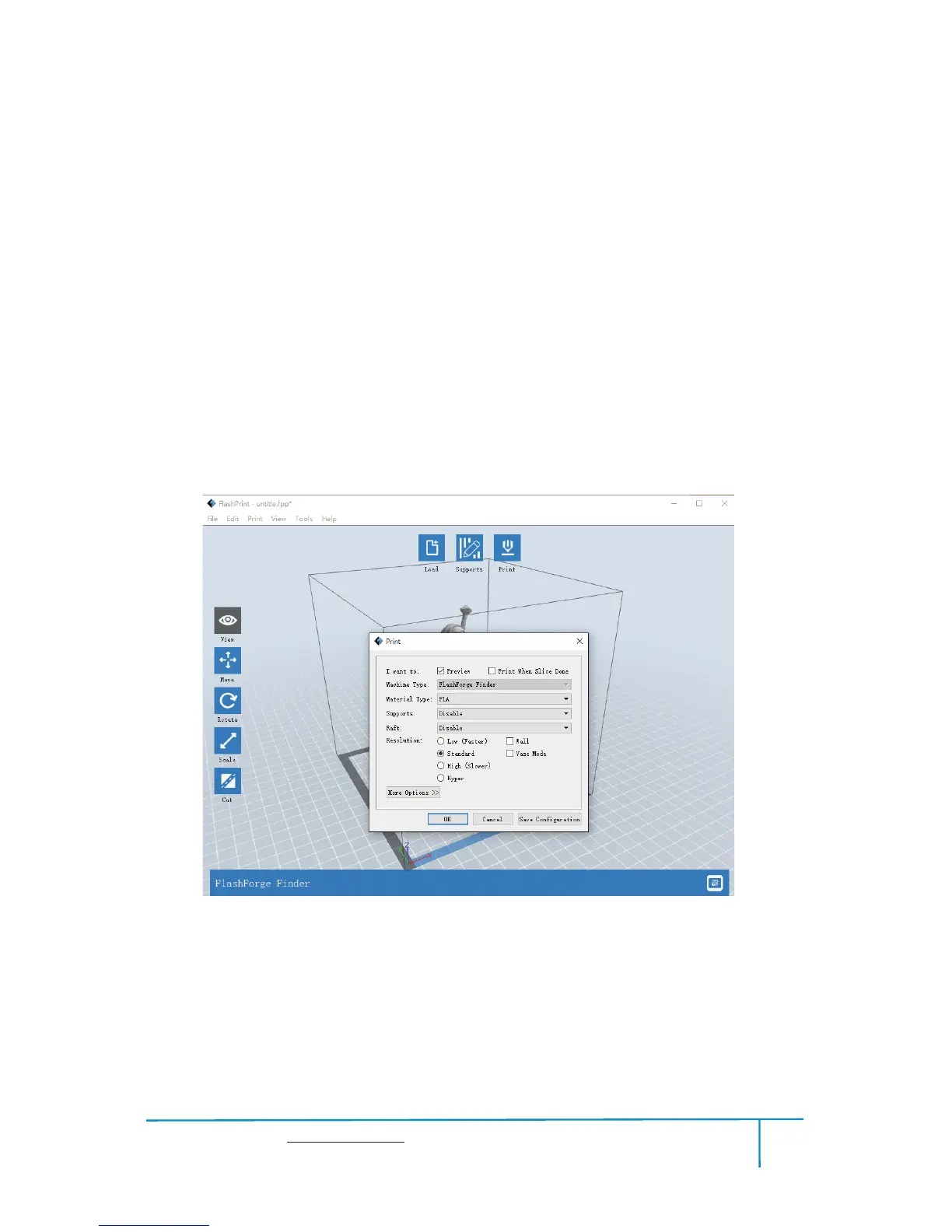
6.2.10 Print
Preview:
Choose to enter preview interface or not
Print when slice done:
Print or not when slice done
Material type:
Choose according to the type of model
6-12















 To Next Page