Finder User Guide | www.flashforge.com 0086-0579-82273989
79
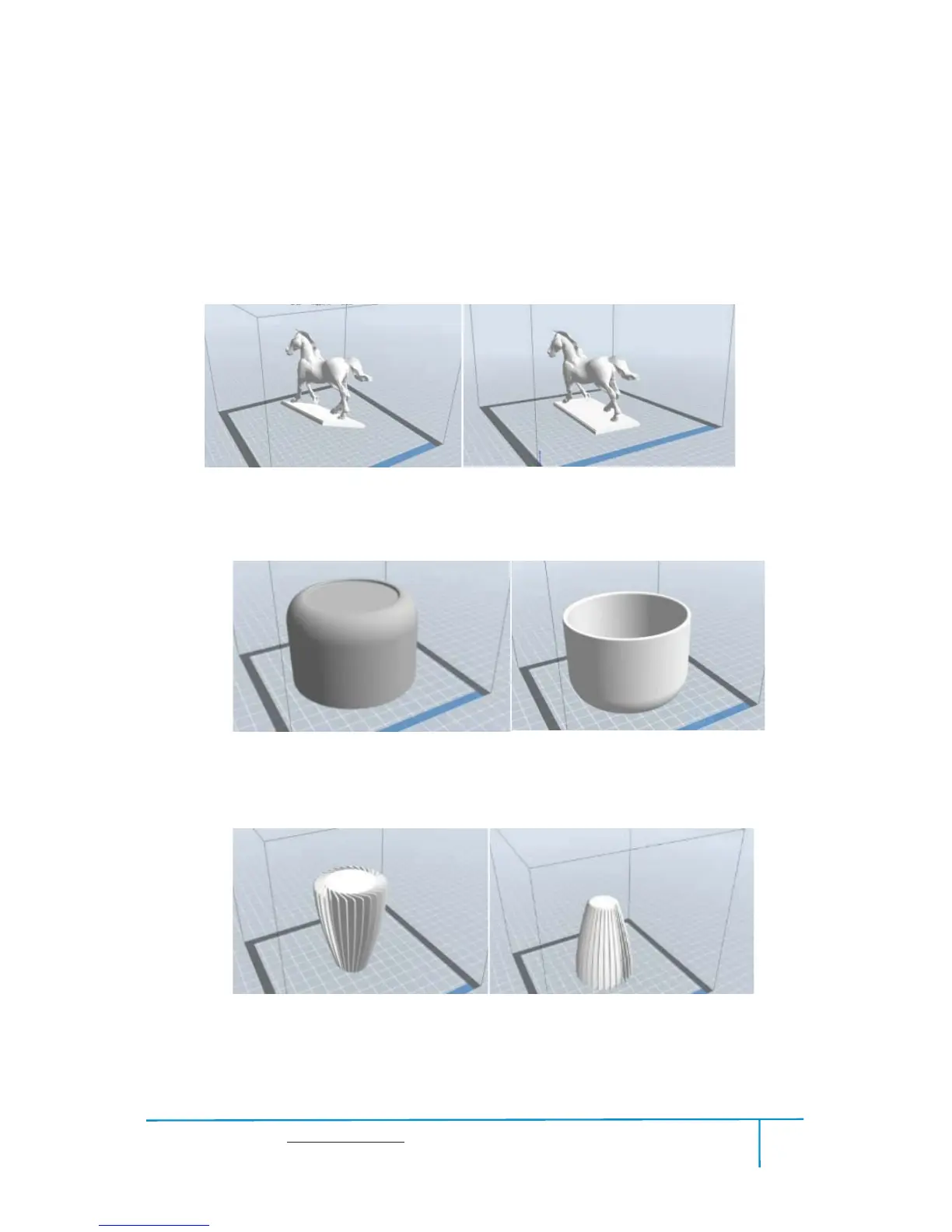
Not all the models are in the right positions after being loaded. Therefore, you need to
place it in an appropriate position for better print quality. Such as the models below,
you need to put one of the surfaces onto the platform.(Please refer to 5.1.12- Surface Ľ
to Platform)
ķ
ĸ
Ĺ
ImproperProper
8-12
Improper Proper
8-14
Improper Proper
8-13















 To Next Page