2.5 User Interface Introduction
2.5.1 Build
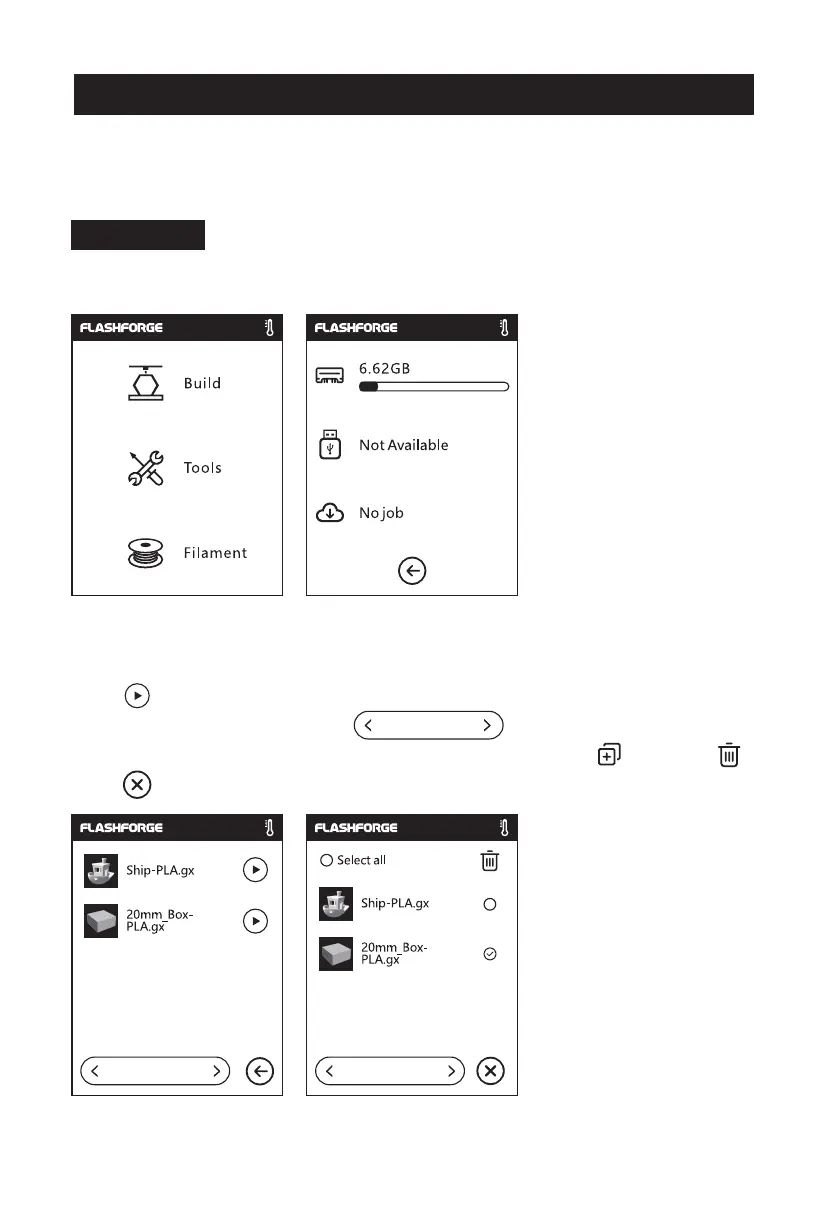
Read the print file from:
The local memory card
The USB stick
1. Tap [Build]. 2. Choose the print file reading
path.
The Cloud
Back: Back to the previous
interface
Note: The interface layout may change whenever there is an upgrade of firmware.
The functions below are only for demonstration purposes.
1/1 1/1
3. File list
Tap to begin printing; tap the picture of the selected file to enter file details.
Page-flip: Tap the left/right arrow.
Long press the file picture or file name, and you can select all, copy , or delete .
Tap to exit the multi-selection interface.
1/1
30















 To Next Page