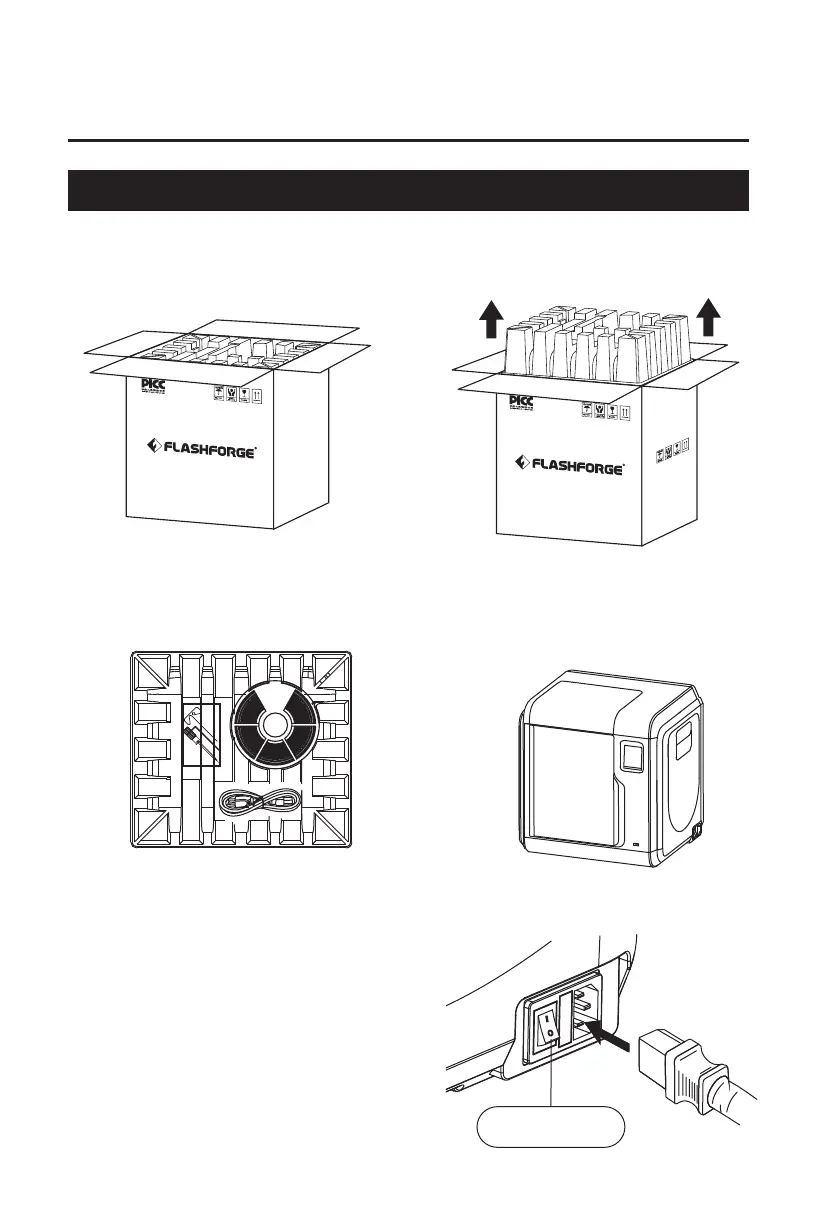
2.1 Unpacking
Chapter 2: Operation
1. Open the box. 2. Take out the wrapping paper box
on the top.
3. Be careful! Filament and power cable
are all placed inside the wrapping
paper box.
4. Take out the printer from the box,
and remove the bubble wrap around
the printer. Tear off the fixing tapes
and front door protective bag.
5. Plug the power cable into the input
on the right side, turn on the power
switch, and the touch screen is turned
on.
Power Switch
08















 To Next Page