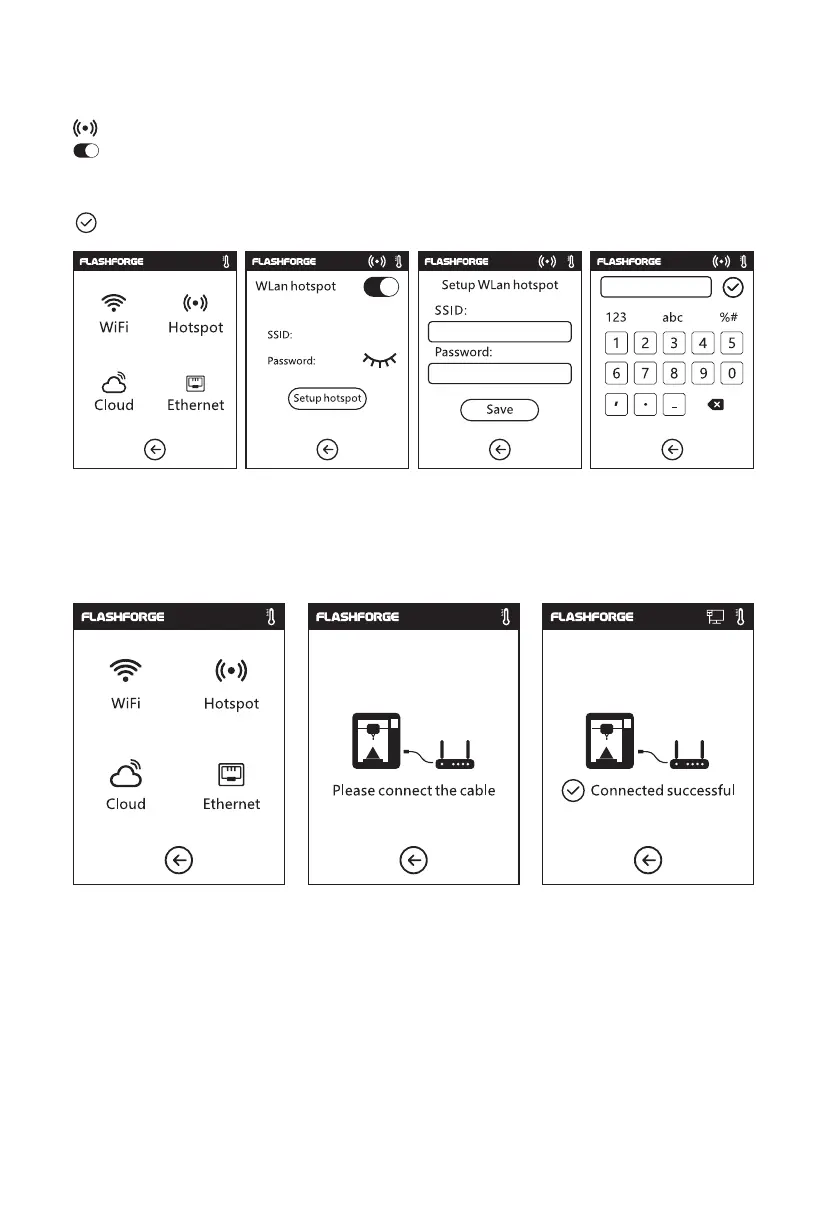
To set your printer as a WLAN hotspot.
Turn on/off the WLAN hotspot.
Hotspot setting: To set the hotspot name and password. Input the hotspot name with
numbers, characters and symbols.
Tap to save the name and password.
To connect your printer with your PC via the network cable.
Hotspot
Ethernet Connection
33















 To Next Page