[2]. Find the PIN Code in the page.
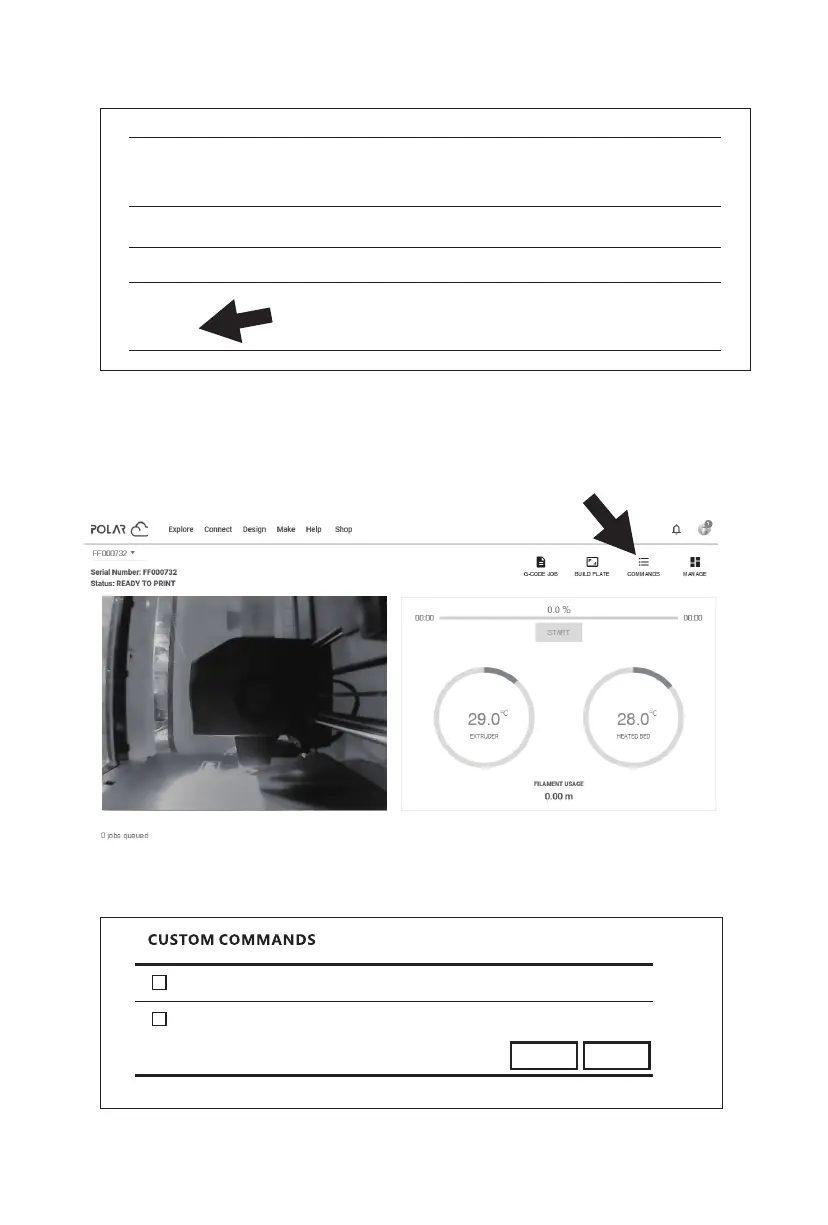
2. Open or close the camera though the cloud.
[1]. After successfully enabling the camera function, click the camera image on the home
page to enter the interface shown above. Click [COMMANDS] pointed by the arrow.
[2]. You can choose to turn on or turn off the camera in the pop-up window.
Location
Biography
Website URL
http://www.example.com/profile
Email
+ ADD Email
PIN Code
XXXX
48
CANCEL
close camera
open camera
SEND















 To Next Page