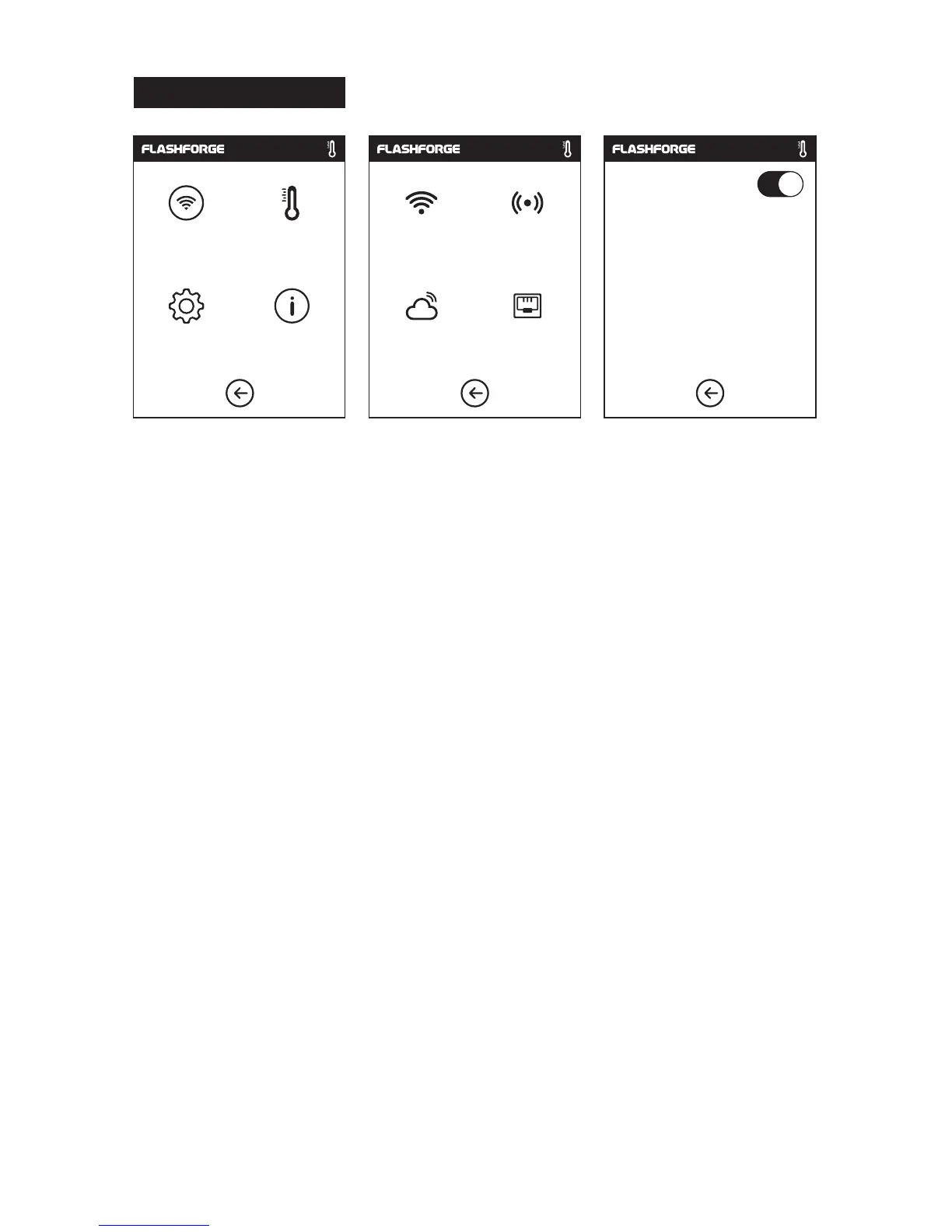
1. Turn on the WiFi or Ethernet connection, connect the printer to internet.
2. Tap[Tools]-Tap[Communication]-Tap[Cloud] on the printer;
3. Turn on the Cloud Connection function;
4. Register your cloud account and set your settings on www.flashcloud.com with the
registration code on printer's touch screen.
13
Cloud Connection
Communication
Preheat
Setting
About
WiFi
Hotspot
Cloud
Ethernet
Cloud connecting
Printer Name:
Registration Coad:
JMTGZS















 To Next Page