Load
Replace
200
/220℃
Extruder heating on...
Cancel
Filament
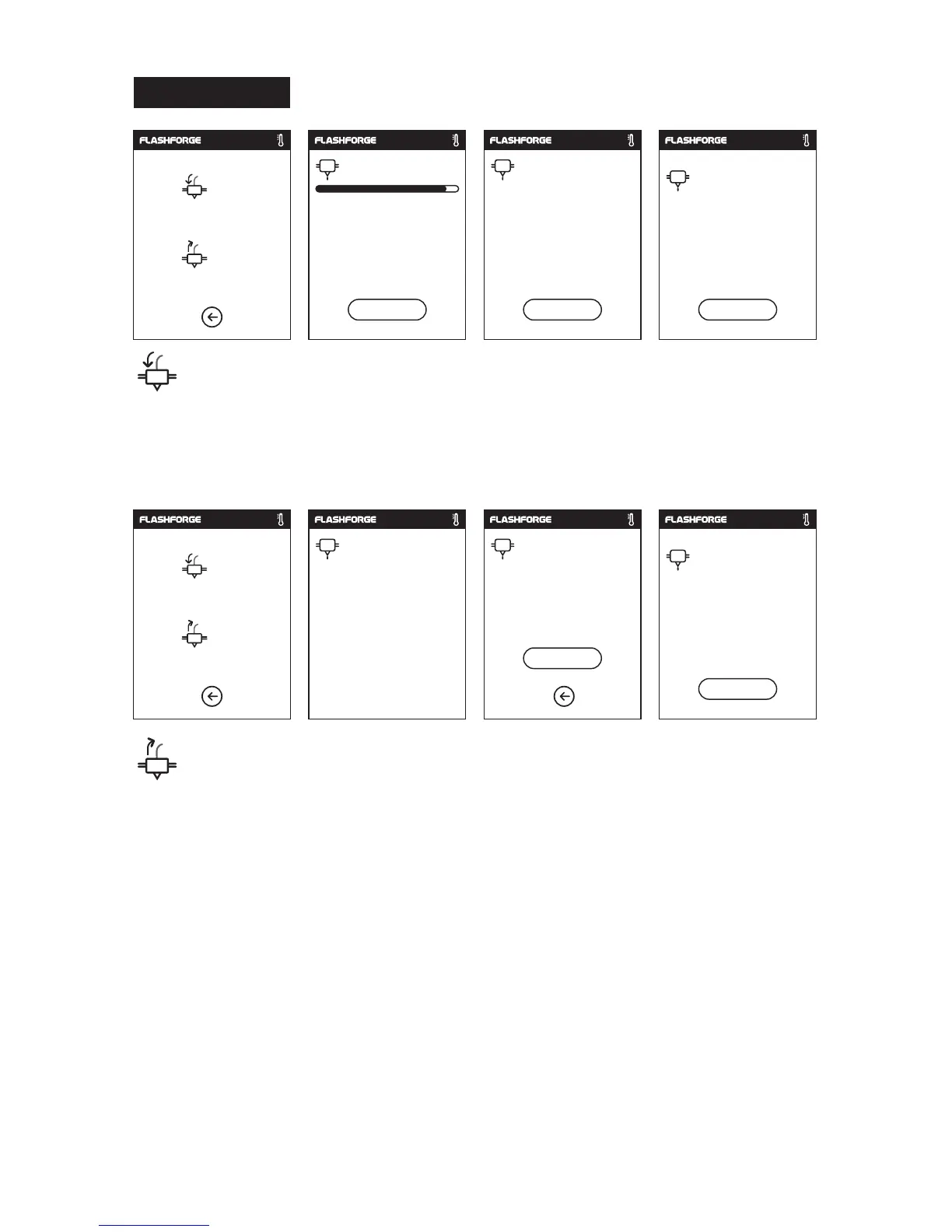
• The extruder is heated up to 220℃.
• After heat completed, insert the filament into the extruder at an upright angle until
some resistance is sensed(as the filament is pushed through the feeding wheel).
• Load will complete when you see filament come out of extruder.
Load
• The extruder is heated up to 220℃, after heat completed, filament will be unloaded
from the extruder.
• Pull out the filament according to the instruction.
• Insert new filament into the filament intake, tap [OK] ;
• New filament will be pushed into the extruder, replace will complete when you see
new filament come out of extruder.
Replace
220
/220℃
ok
When filament load the extruder
steadily, replace completed.
220
/220℃
Preheating completed,
Load begins.
ok
Load
Replace
220
/220℃
Unloading the filament,
please wait...
Pull out old filament, insert
new filament, tap [ok] button.
220
/220℃
ok
When filament load the extruder
steadily, replace completed.
220
/220℃
ok
27















 To Next Page