abc
123
%#
WiFi
Hotspot
Cloud
Ethernet
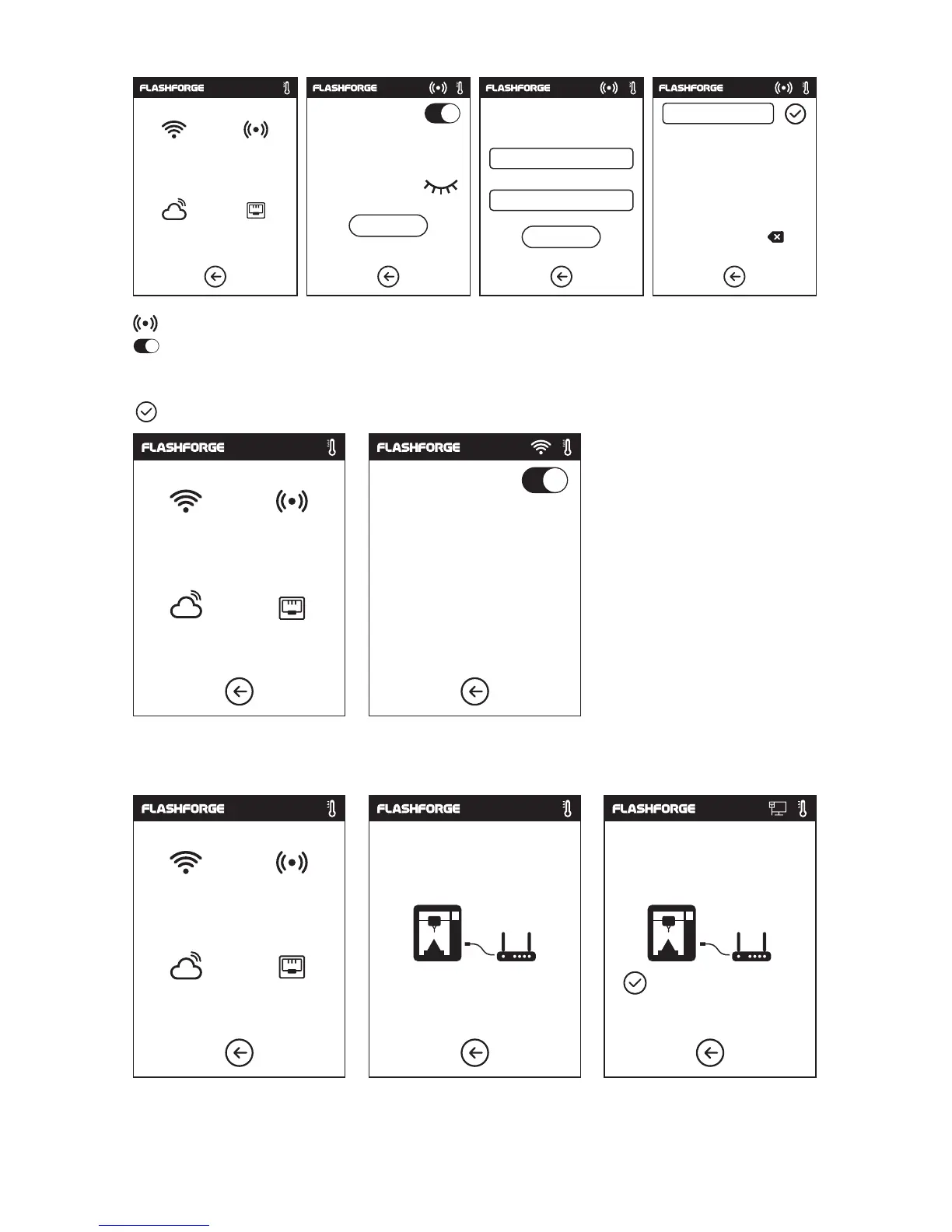
Hotspot: To set your printer as a WLAN hotspot.
Turn on/off the WLAN hotspot.
Hotspot setting: To set the hotspot name and password. Input hotspot name with
numbers, characters and symbols.
Tap to save the name and password.
Cable connection: To connect your printer with your PC via Ethernet cable.
SSID:
Password:
Setup hotspot
Setup WLan hotspot
SSID:
Password:
Save
1
2
3 4
5
6 7 8 9 0
,
.
_
WLan hotspot
WiFi
Hotspot
Cloud
Ethernet
Printer Name:
Registration Code:
Cloud connecting
Cloud Connection
ON/OFF: To turn on/off the cloud connection; first register an account on 3D Cloud to get
cloud account and pin.
WiFi
Hotspot
Cloud
Ethernet
Please connect the cable Connected successful
21















 To Next Page