4.4 Camera Connection
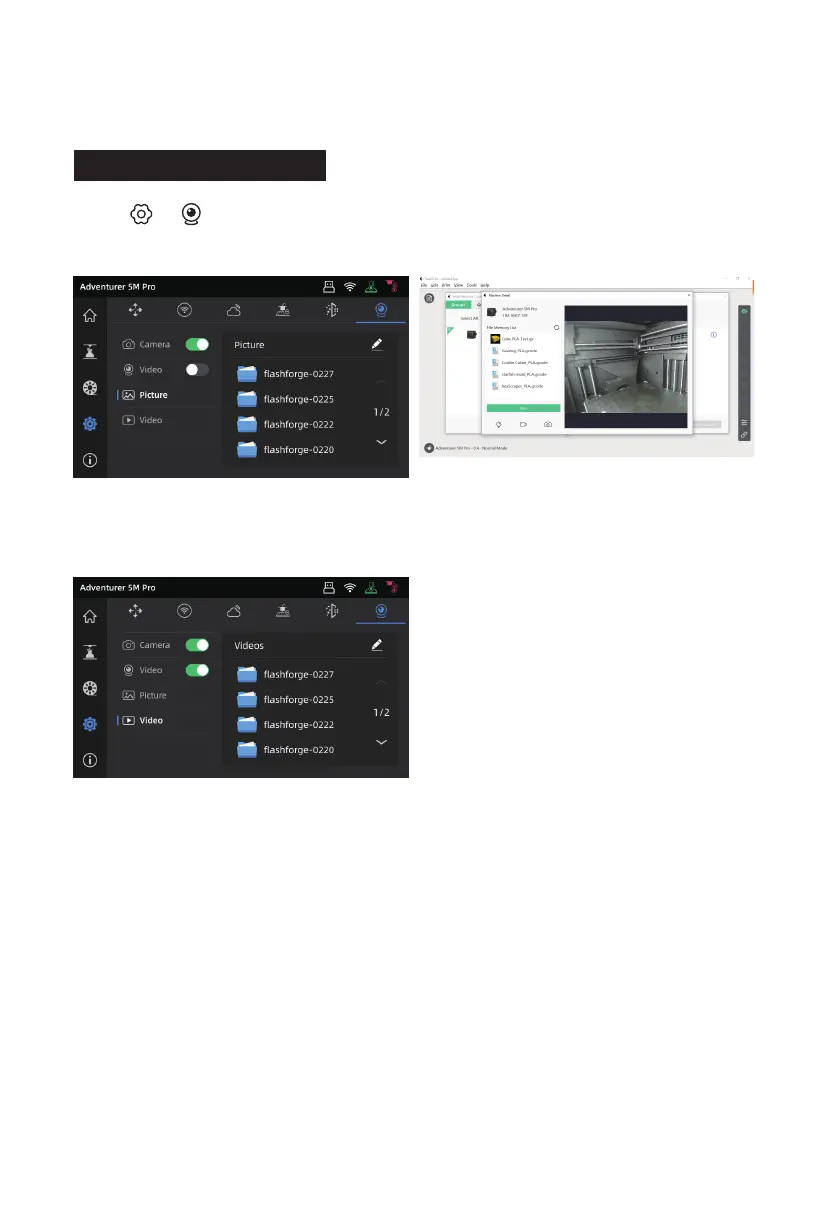
1. Click [ ] - [ ] to turn on the camera
switch.
3. Turn on the video switch, and video files will be
generated after the model is printed. You can
export them to a USB flash drive for viewing.
2. After the printer is connected to FlashPrint 5,
you can view real-time images via FlashPrint 5
- [Multi-Machine Control].
26















 To Next Page