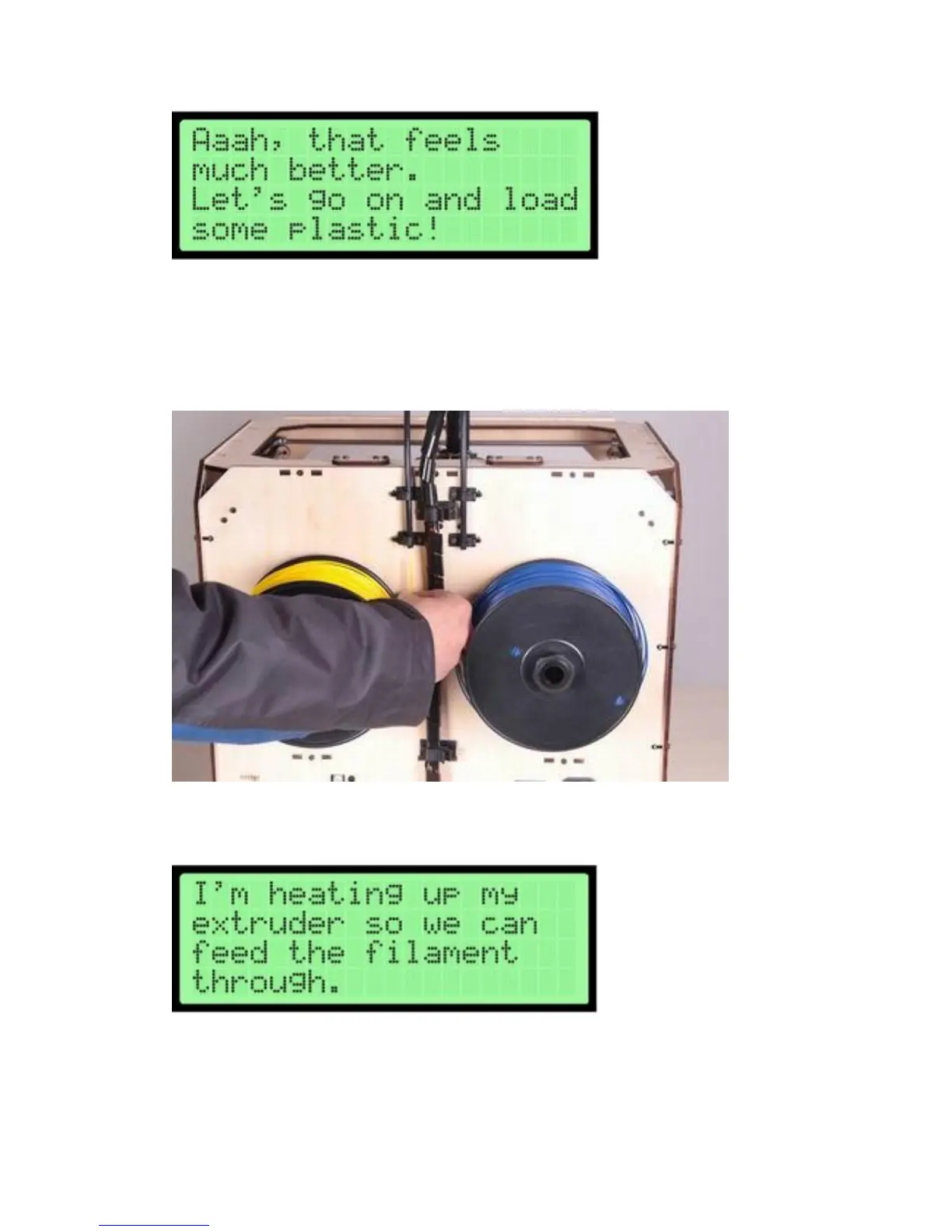
The first step of filament loading is to remove the filament guide tube(s).
Once the tubes are disconnected, you can go ahead and feed the filament into the
guide tubes from the back until you see it come out at the front.
Make sure that the filament loads up from the center on both spools, so you don't
get jams during printing. One of the spools will have to go on backwards. You want it
to look like
After you’ve fed the filament through, press the M. The machine will start to heat
both extruders
You’ll have to wait for a few minutes for them to heat up. Be careful not to touch the
bottom of the Extruder while it’s heating -- it gets up to about 220° C, which is hot
and can burn you!
Once the nozzle is at temperature, The Creator will tell you to load filament in the















 To Next Page