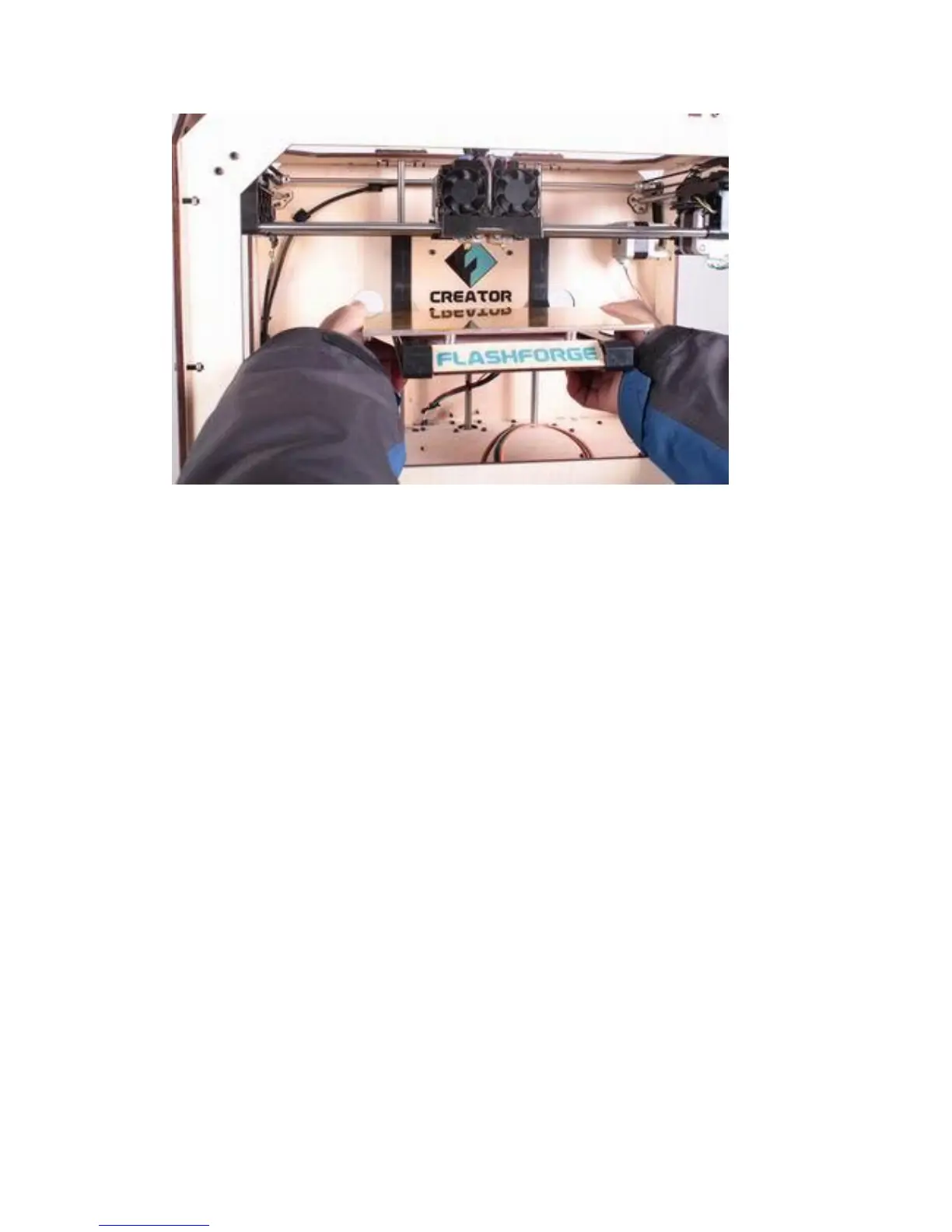
Underneath the build platform you’ll see some boxes,remove these, as well as the
remaining packing material. It’s easiest if you remove the packing material first.
You have now finished unpacking your Creator!
Initial Hardware Setup
With the build platform raised, you have a clear view of the black cable that leads
from the electronics cavity to the build platform.
Now we’re going to bolt the DualExtruder into place. Lower the build platform all the
way by turning the threaded screw behind the platform or by grasping the black
plastic arms at the sides of the platform and pushing down with gentle but steady
pressure. Now locate your Feet, Bolts and Hex Wrench Kit. Remove the two black
bolts from the kit and find the hex wrench that fits the bolts.
Grasp your DualExtruder by the sides and take it out of its protective bag. Place it on
the DualExtruder Mount so the bolt holes line up and the fans face forward. Secure it
with the bolts and wrench.















 To Next Page