It's as easy as that.
Upgrading Firmware for The Creator
Disconnect from ReplicatorG
To upgrade the firmware on your Creator, you're going to need to disconnect from
ReplicatorG.
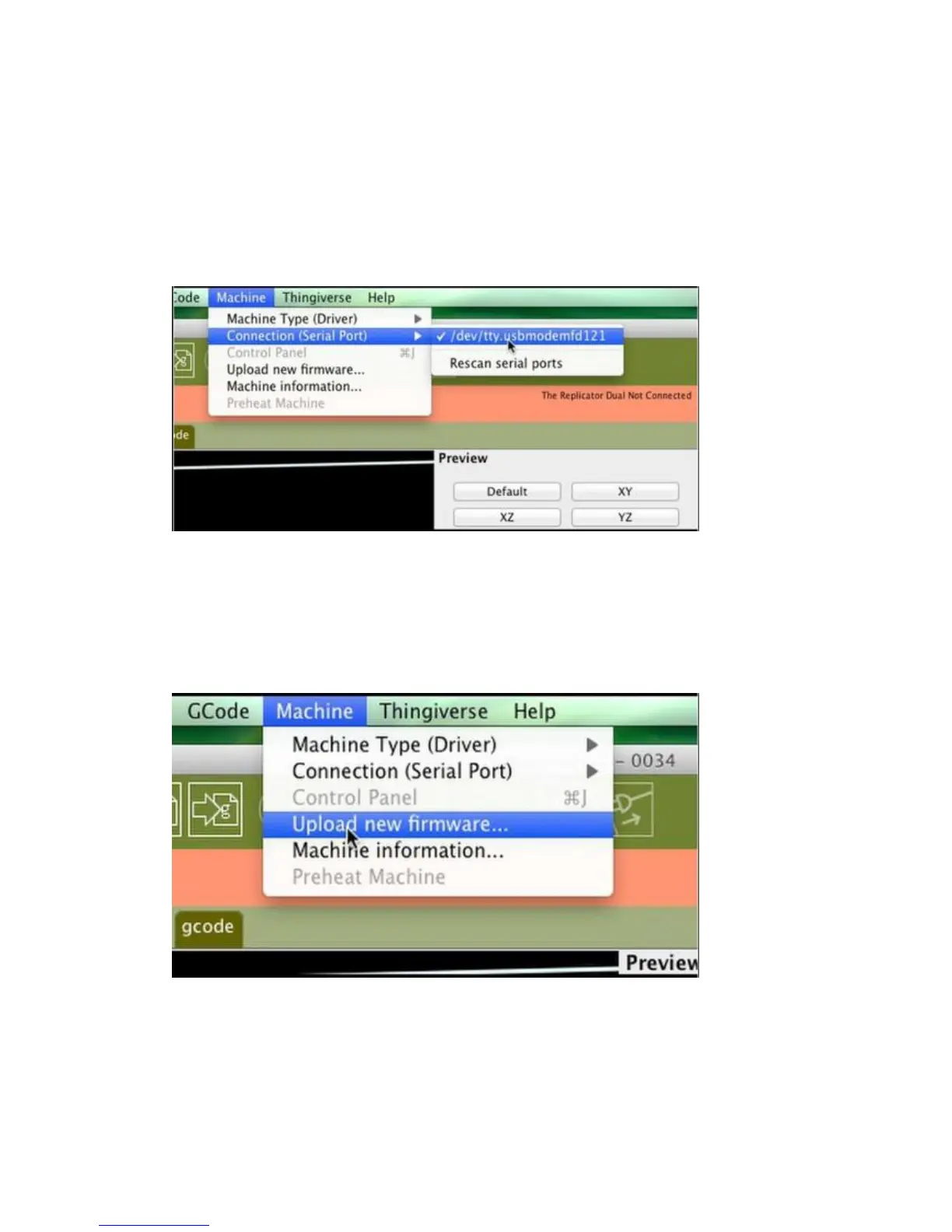
Once you've clicked 'disconnect' in RepG, go into ReplicatorG's Machine menu, check
Connection (Serial Port) and make a note of which port The Creator was connected
to --- you'll need it later.
Select your new firmware
Now go back to RepG. Go into the Machine menu and choose "Upload new
firmware…"
The next step is to select the machine you’re upgrading.















 To Next Page