04
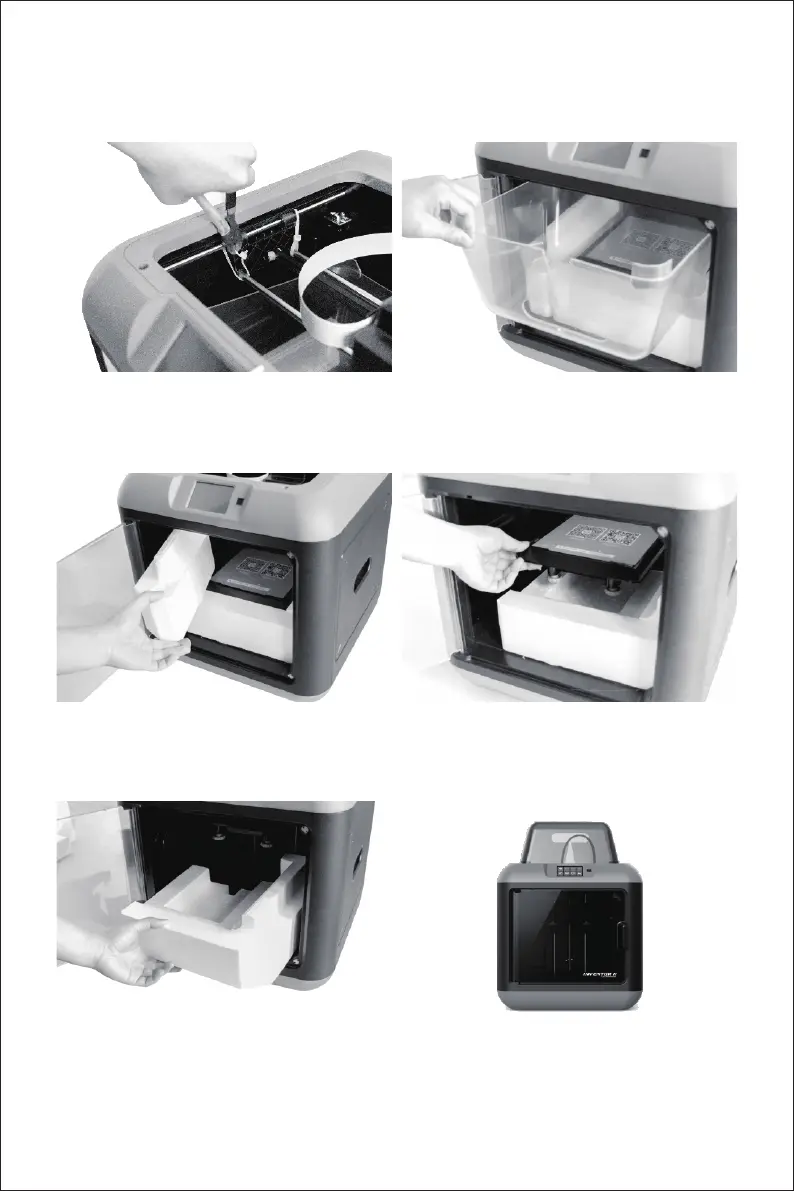
7. Use scissors to cut the buckles that hold the
rods in the place.
8. Open the door and take out the lid.
9. Remove the foam on the bottom left.
10. Hold the platform and elevate platform
smoothly.
11. Remove the foam at the bottom of printer. 12. Congratulations! You've unpacked your printer.
(Tip: Save packaging for future transportation
and storage)















 To Next Page