Operators and Reference Manual
MC12 OM RM EN 74-111-132 v1.03.doc Ver. 1.03 Page 30 of 47
Dynamic recalibration
If dynamic recalibration has been selected (Individual mode),
the display line will show: “RECALIB. INTERVAL(%)
Here the recalibration interval is entered. When a weight that lies within the chosen
percentage interval around the volume set in function 1, this weight registration is used to
recalibrate the machine. Weights registered outside the interval will be interpreted as e.g.
bottle tarring, and will therefore not be used as recalibration values.
Select a recalibration interval and press <ENT>. The MC12 display will now ask for a filling
accuracy percentage by showing: “FILLING ACCURACY (%)”
This feature is used only to advise the operator if a registered weight lies within the
production requirements to the volume accuracy. When a weight is registered a short beep in
a higher frequency indicates a sample inside the production tolerance. A longer beep in a
lower frequency indicates a sample outside the production tolerance. Furthermore, if a
Mettler balance is used the text "REJECT" will be shown on the balance display.
Press <ENT> to confirm the accuracy.
The dynamic recalibration from balance is now ready for operation. To use it simply put a
bottle on the balance and tare. When the bottle has been filled, put it back on the balance.
When the MC12 gives a high tone beep, the weight has been registered and used for reca-
libration.
When the MC12 is set for dynamic recalibration, this is indicated by a "D" in the upper right
corner of the display.
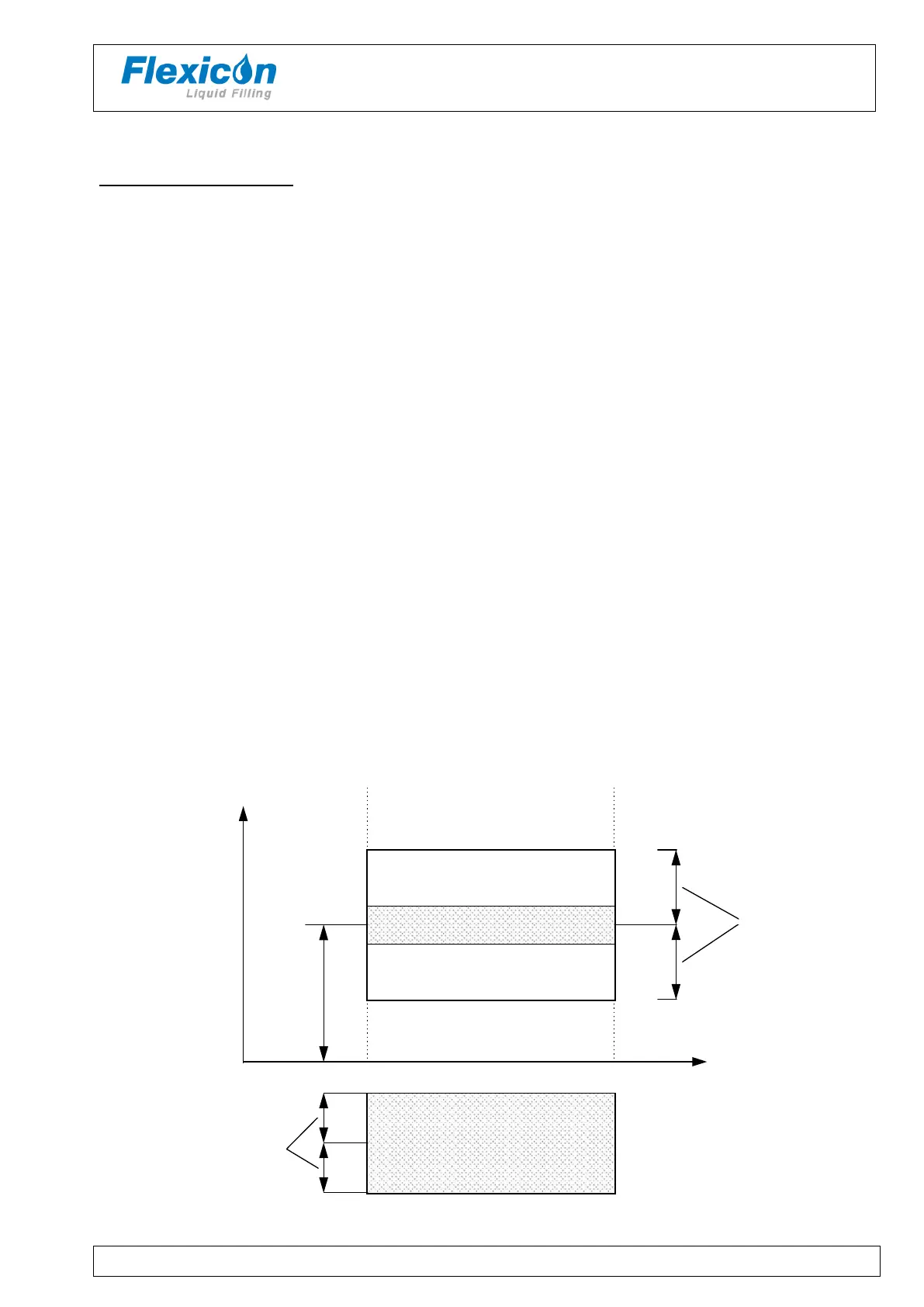
The illustration below shows the correlation between the terms used in dynamic recalibration
and the beeps generated by system.
Filling Tolerance (High tone beep)
Low tone beep
Low tone beep
Volume
0
Recalib. Interval
No tone
Low tone beep
Volume (F1)
Filling Tolerance (High tone beep)
Filling Accuracy
Figure 9 – System “beeps”



 To Next Page