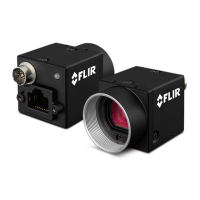
5 BlackflyS Physical Interface
5 BlackflyS Physical Interface
5.1 BlackflyS Cased Physical Description
GigE USB3
1. Lens holder
See Lens Mounting
2. Glass/IR filter system
See Dust Protection— Cased
Models Infrared Cut- Off Filters— Cased
Models
3. M2x2.5 mounting holes
SeeMounting
4. General purpose I/O connector
See General Purpose Input/Output (GPIO)
5. Status LED
See Status Indicator LED
6. Interface connector
See Interface Connector
7. M2x2.5 mounting holes
8. M3x2.5 mounting holes
SeeMounting
9. Camera label
Contains camera information such as model name, serial
number and required compliance.
2/19/2019
©2015-2019 FLIR
Integrated Imaging
Solutions Inc.
All rights reserved.
FLIR Blackfly
®
S Installation Guide 13



 To Next Page