2-16 427-0030-00-28 Version 110 Jun 2013
2
Basic Operation and Configuration
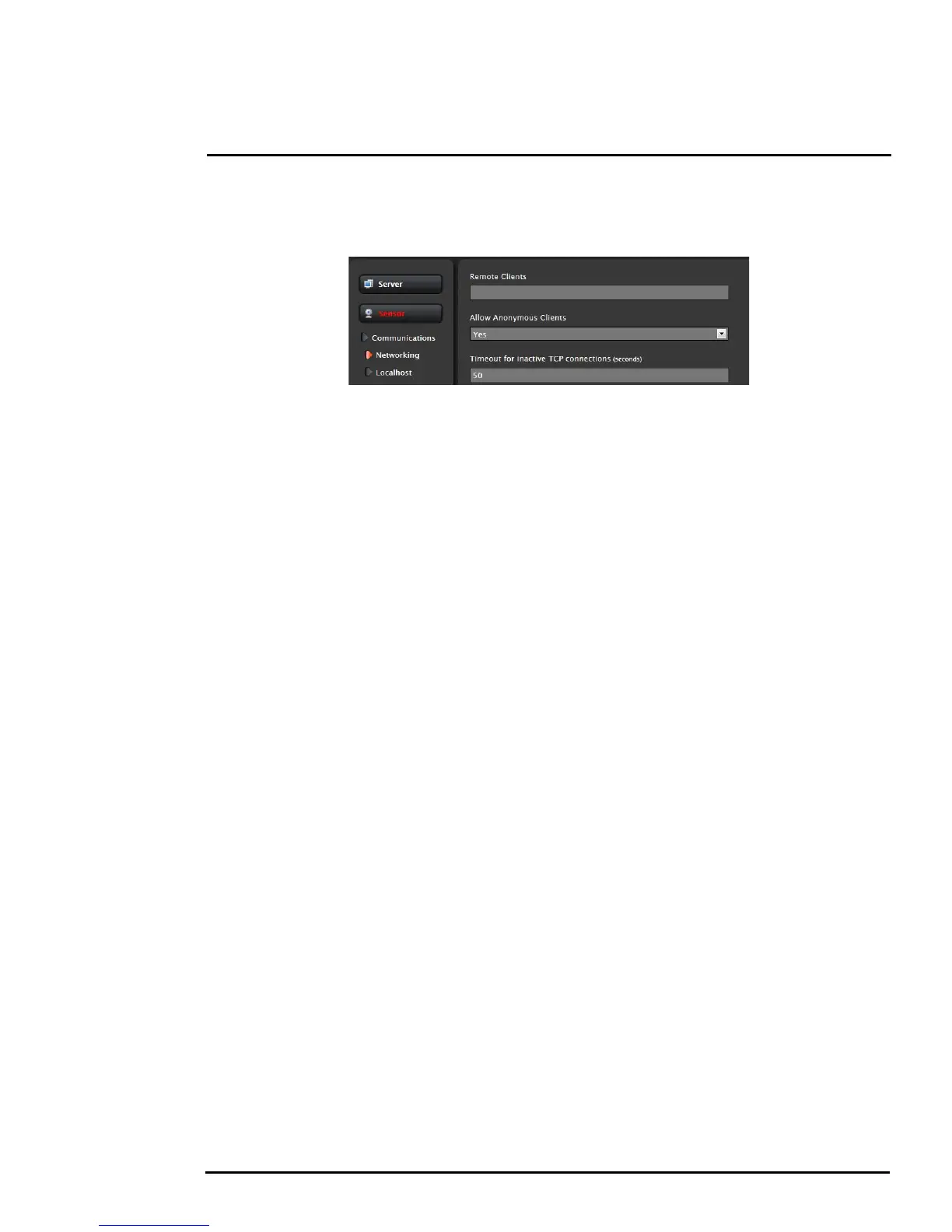
It is also possible to limit access to the camera from a client program (such as FSM) by IP address. To
do so, in the Maintenance menu select Sensor, then Networking. Set the “Allow anonymous clients”
parameter to No, and then add in the allowed addresses in the Remote Clients list and click Save.
Note, once one or more addresses has been added to this list, only these computers will be able to
access the camera as a client. Be sure to remember which addresses are allowed.



 To Next Page