427-0030-00-28 Version 110 Jun 2013 3-1
3 Advanced Configuration
In this chapter, additional configuration settings related to the following topics are described:
• Optimizing the thermal image
• Using the Surveillance features (Auto Scan, Scan List)
• Starting and stopping the Nexus server (Maintenance web pages)
• Configuring the camera to work with a serial device such as a keyboard
• Configuring the camera to work with a third-party VMS (ONVIF)
• Enabling On Screen Display (OSD) text
• Setting up the video streams to optimize quality and network performance
3.1 Thermal Image Setup
In most installations it will not be necessary to change the thermal camera from it’s default settings.
However in some situations, depending on weather, time of day and so on, it may be useful to make
changes to the video image to enhance the image by modifying one or more of the parameters.
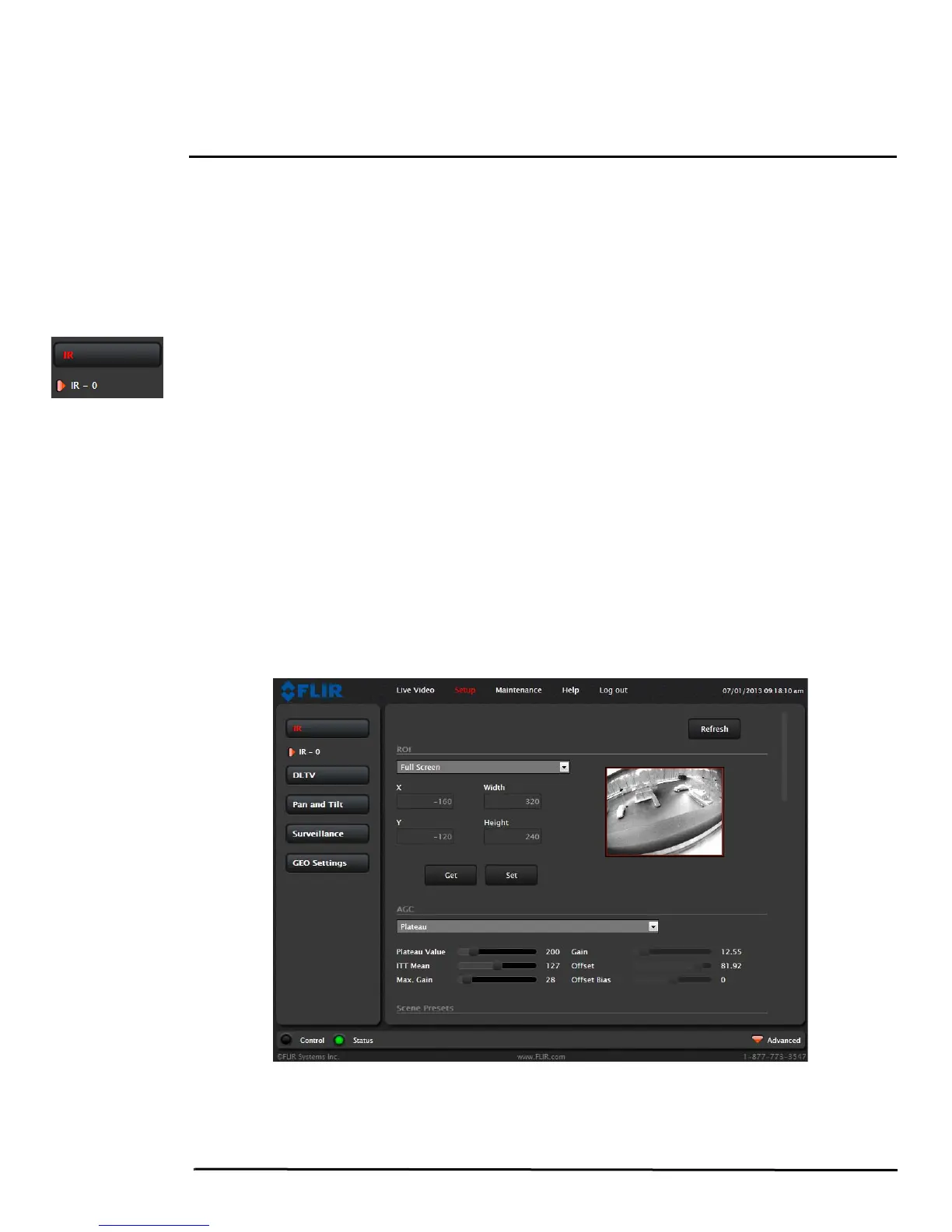
For a fixed camera, the Setup menu has configuration options for making changes to the IR (thermal)
camera and for setting the GEO parameters (geo-reference map location used by programs like FSM).
For a pan/tilt camera, there are also options for changing the daylight (DLTV) camera and pan/tilt device
settings. The changes made through the Setup page have an immediate effect (it is not necessary to
stop and restart the server). Note, it is necessary to save the changes if it is desirable to use the new
settings at power up (see
section 3.1.6 “Save Settings”).
In the Setup page for the IR camera, a single JPEG image (a snapshot) is displayed in the upper right-
hand corner. To update this image at any time, it is necessary to select the Refresh button. This will
cause the entire page to refresh, including the image and all the parameter values (be patient, this may
take some time).



 To Next Page