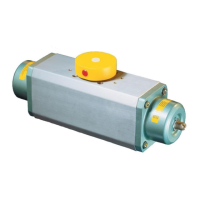
ROTADISK Pneumatic Actuator RD & RDF
Operating Manual – BA3002 EN
8 Repair
Page 53 of 79
8.3.2 Replacing Seals on the ROTADISK Pneumatic Actuator (RD 2,5–160)
The ROTADISK Pneumatic Actuator is
▪
taken out of operation (no compressed air supply is connected).
▪
Disconnected from the valve and all other sub-assemblies (e.g. solenoid valve,
limit switch, position indicator or position controller.
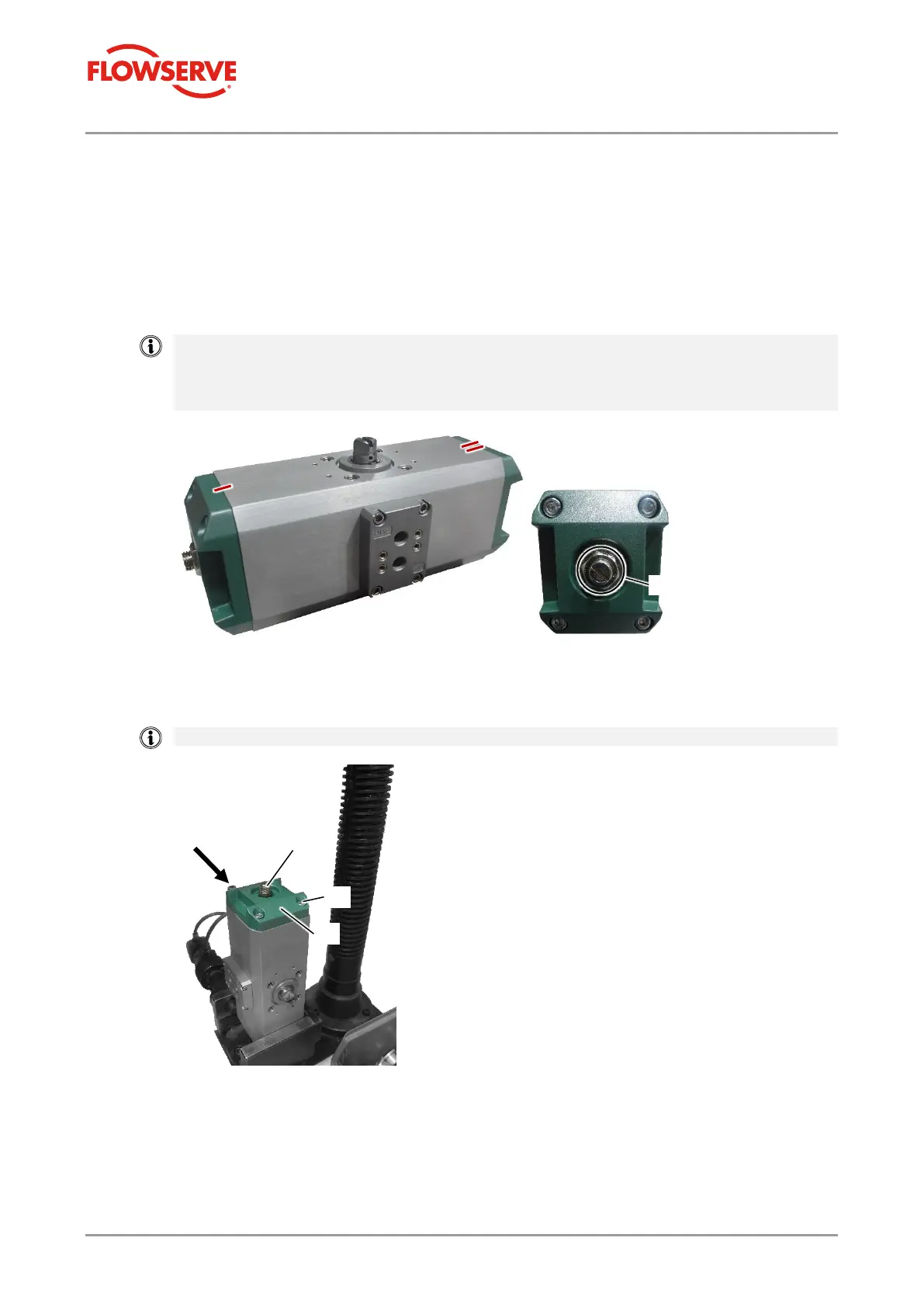
1. Make different marks on the edges of both lids [2] on the top of the body.
The marks simplify correct installation of the ROTADISK Pneumatic Actuator after
disassembly.
Make sure that you do not adjust the nuts of the threaded pins/end stops so that the
pre-set end position setting and thus the angle of rotation of 90° ± 3° is retained.
2. Remove the lids [2] from the ROTADISK Pneumatic Actuator by loosening the lid
screws [1] on both sides of the body.
Use a suitable assembly device for this.
3. Move the pistons up to the inside stop by turning the drive shaft [4] on the outer
square bar.


 To Next Page
 Loading...