Vital Signs Simulator
Operation
9
hal002.eps
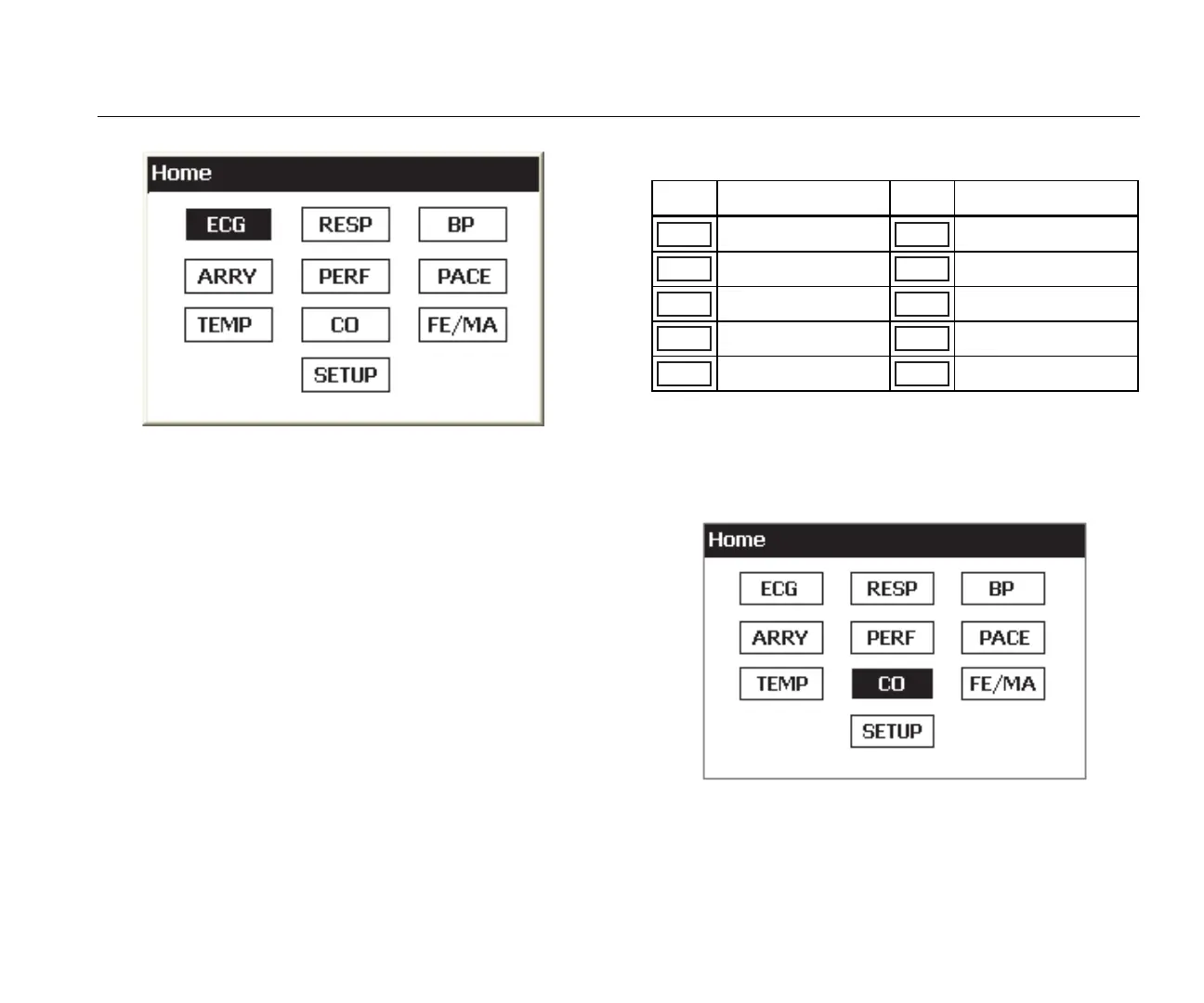
Figure 5. Home Screen
Operation
All Product functions are shown in the home screen. See
Figure 5. To set parameters for a function, push the
navigation buttons (, , , ) to move the highlight to a
function icon. Push . Table 6 is a list of Product
functions shown in the home screen.
Table 6. Product Functions
ICON Description ICON Description
ECG
ECG Waveform
PACE
Pacemaker
RESP
Respiration
TEMP
Temperature
BP
Blood Pressure
CO
Cardiac Output
ARRY
Arrhythmia
FE/MA
Fetal/Maternal
PERF
Performance Wave
SETUP
Setup
To set a parameter of a function:
1. Push the navigation buttons to move the highlight to a
function. Figure 6 shows the cardiac output icon
highlighted.
hal005.bmp
Figure 6. Home Screen – Cardiac Function



 To Next Page