ProSim™ 2/3
Users Manual
8
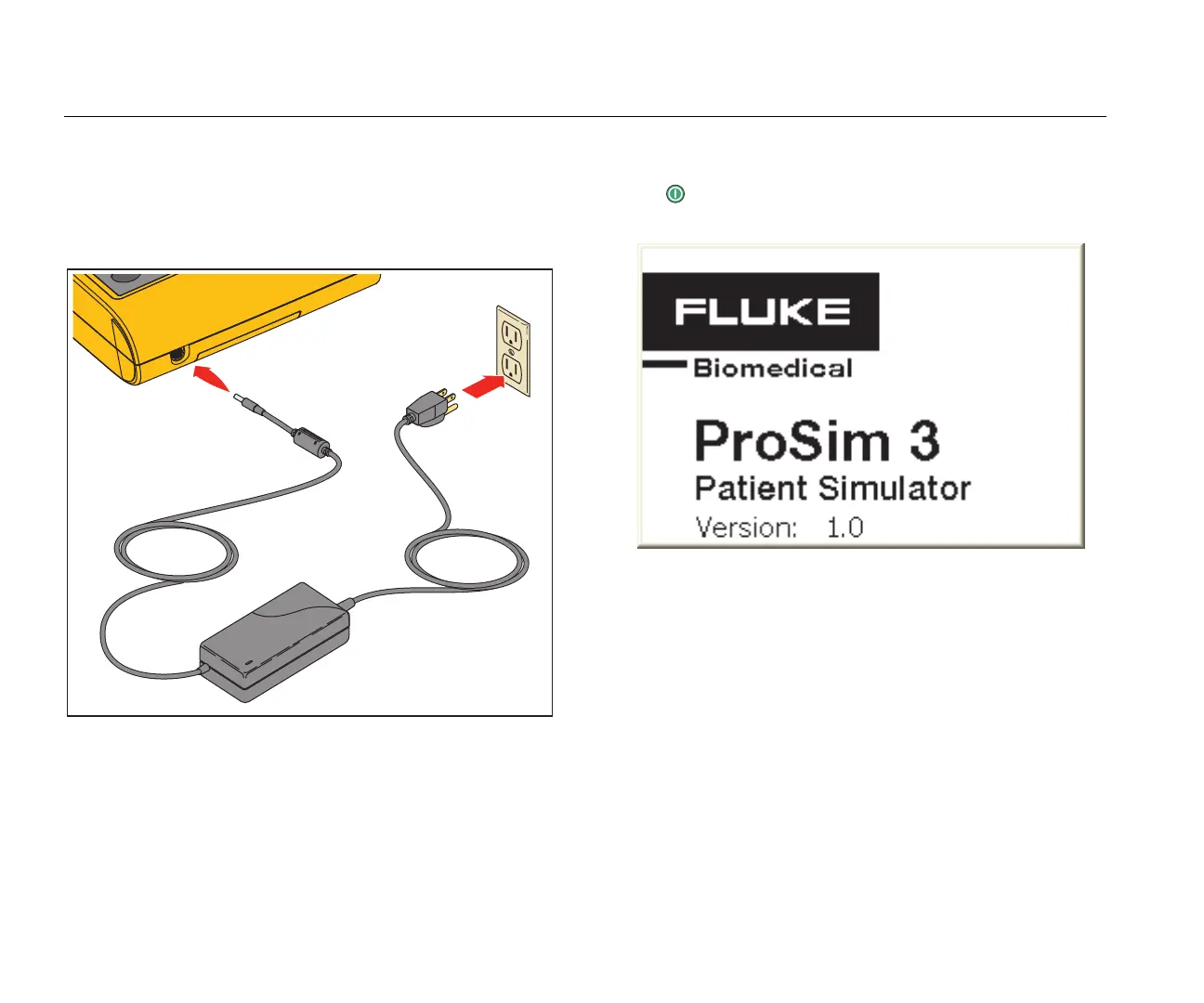
Battery Eliminator
The Product can operate on its two 9-Volt batteries or from
mains power. To run on mains power, connect the Product
to the optional AC/DC Power Supply as shown in Figure 3.
hal022.eps
Figure 3. Battery Eliminator Connections
How to Turn On the Product
Push on the front panel to turn on the Product. The
power-up screen shows in the display (Figure 4 ).
hal007.bmp
Figure 4. Power-Up Screen
When the self test is complete and no errors are sensed,
the home screen shows in the display (Figure 5).



 To Next Page