ProSim™ 2/3
Users Manual
26
Remote Operation
The Product has a USB device port that lets you control
the Product remotely with a set of commands. To control
the Product from a PC, connect the USB to a USB port on
the PC. The PC must have the Windows XP, Vista, or
Windows 7 or later operating system to control the
Product.
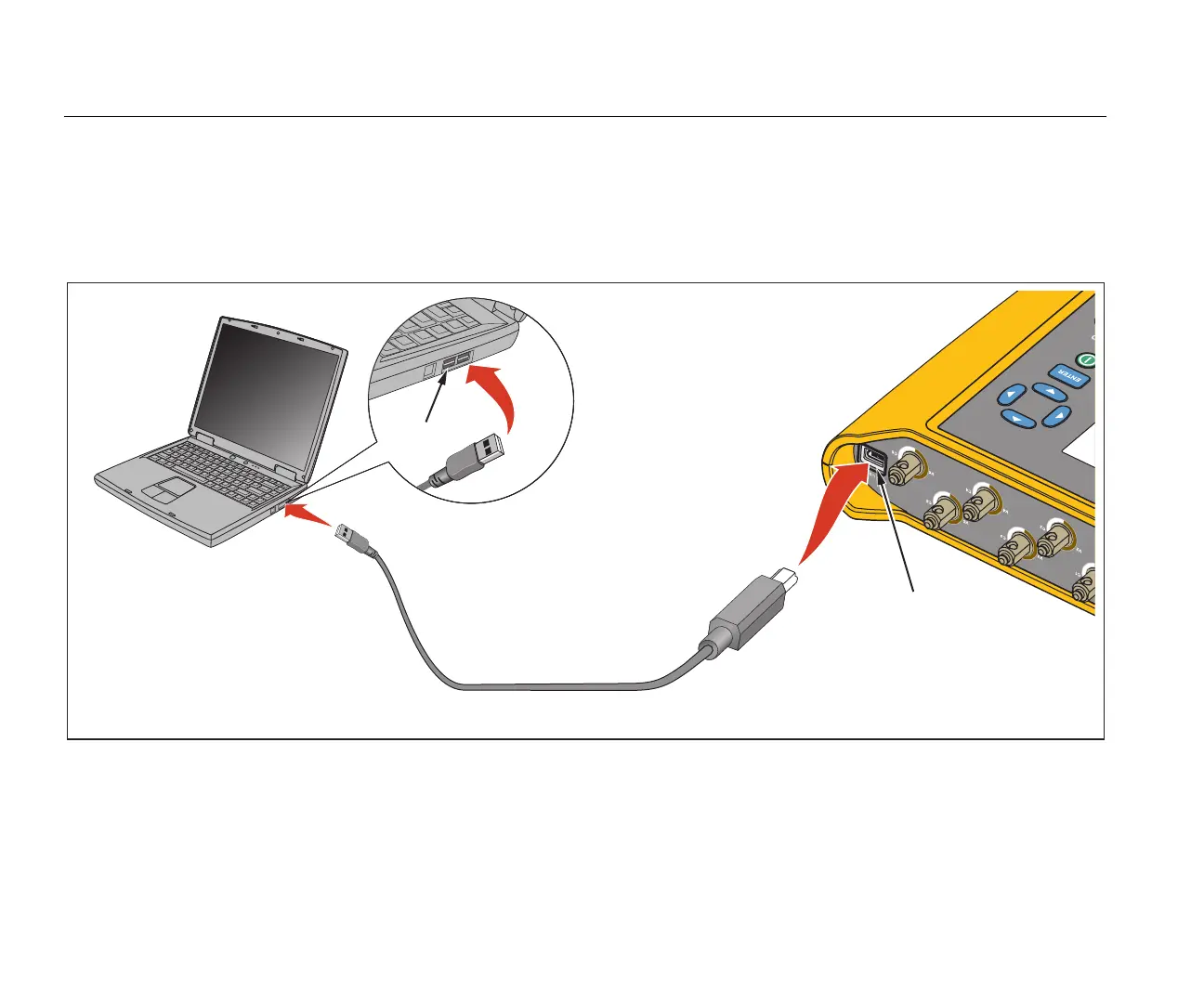
To operate the Product from the PC, connect it to the PC
as shown in Figure 15.
ProSim 2/3
USB Port
Mini Series
B Connector
hal060.eps
Figure 15. Remote Operation Connections



 To Next Page