4-1
Chapter 4
Basic Operations and Menu Navigation
Introduction
This chapter deals with a number of general aspects of the Analyzer’s operation:
• Tilt Stand and Hang Strap
• Powering the Analyzer
• Display Brightness
• Locking the keyboard
• Menu navigation
• Display Contrast
• Reset to Factory Defaults
Tilt Stand and Hang Strap
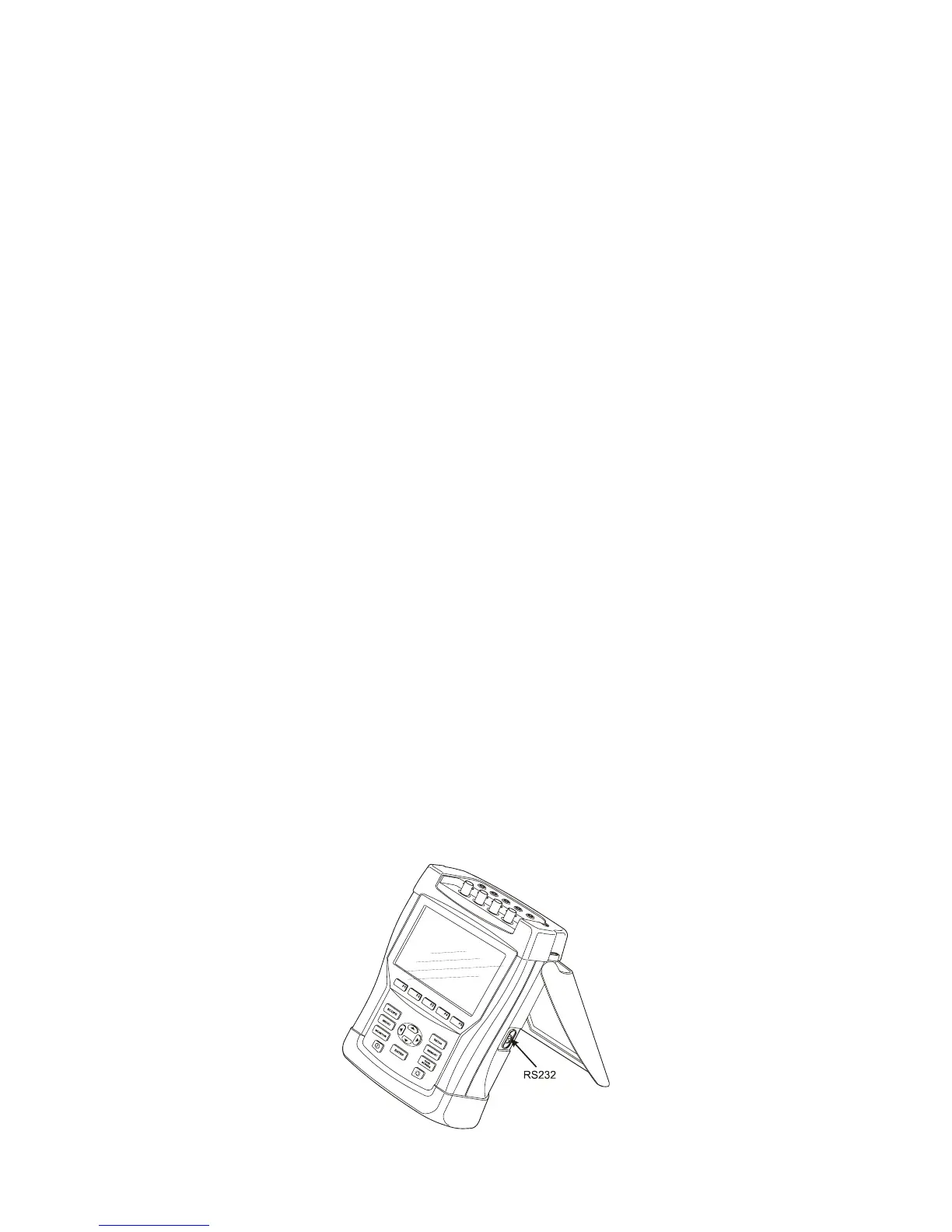
The Analyzer has a tilt stand that allows viewing the screen at an angle when placed on a
flat surface. With the tilt stand folded out, the optical RS-232 port can be accessed at the
right side of the Analyzer as shown in the figure.
Figure 4-1. Tilt stand and location of RS-232 interface



 To Next Page