17-1
Chapter 17
Logger
Introduction
Logger is a function available in the Fluke 435. In the Fluke 434 it is available as an
option. Logger gives you the possibility to store multiple readings with high resolution.
The readings are observed during adjustable time intervals. At the end of the interval the
min, max, and average values of all readings are stored in a long memory and the next
observation interval starts. This process continues for the Duration of the observation
period.
The Analyzer has predefined sets of readings that can be used for logging and that can be
customized to your own set of readings.
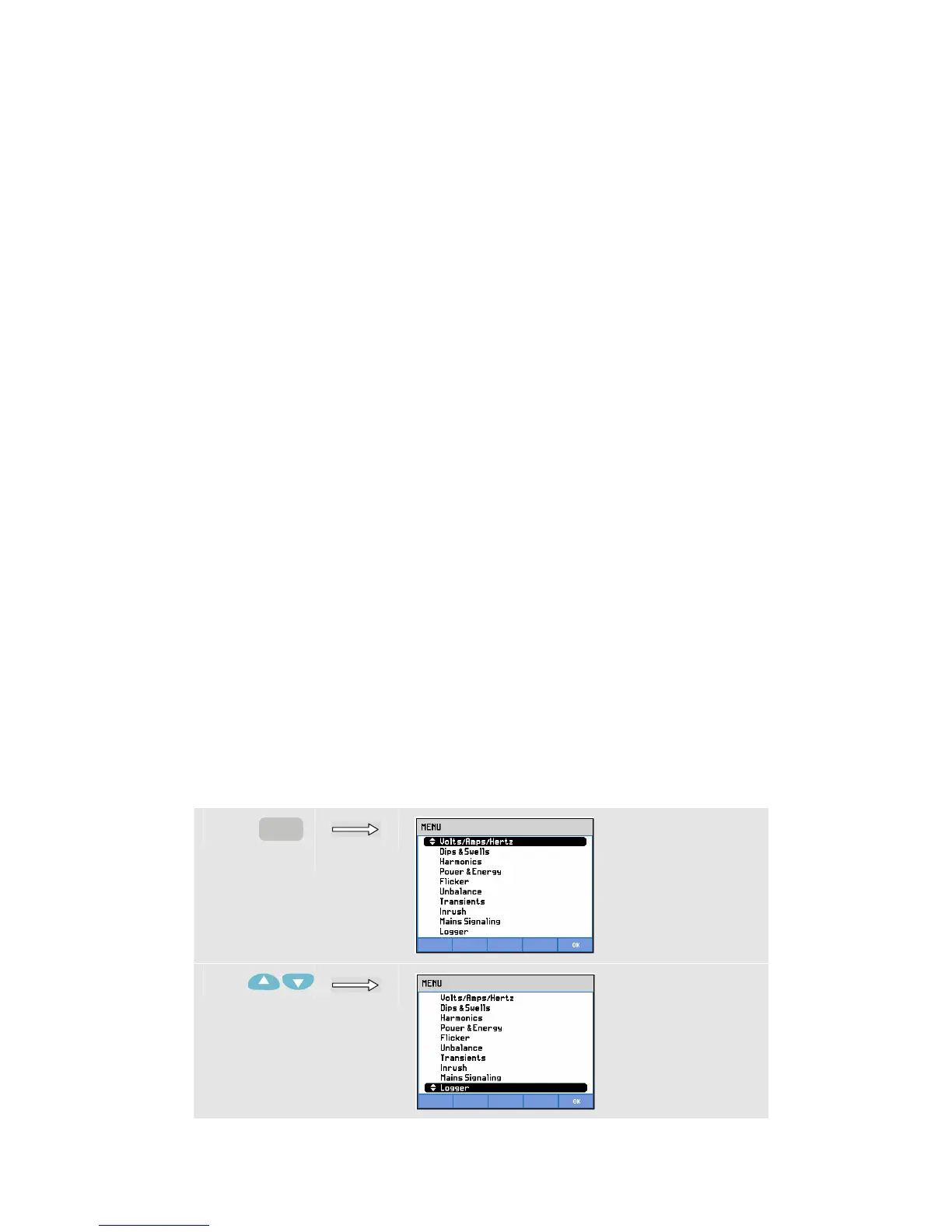
You start the Logging function from the Main Menu. It begins with a Start menu that
allows you to select the Average time (0.5 s – 2 Hrs.), the readings to be logged, the
duration of the logging (1 Hr. – Max) and Immediate or Timed start of logging.
Readings are displayed in a Trend screen, a Meter screen, and an Events Table.
Start Menu
To access the Logger Start Menu:
c
MENU
d



 To Next Page