Fluke 434/435
Users Manual
5-4
E
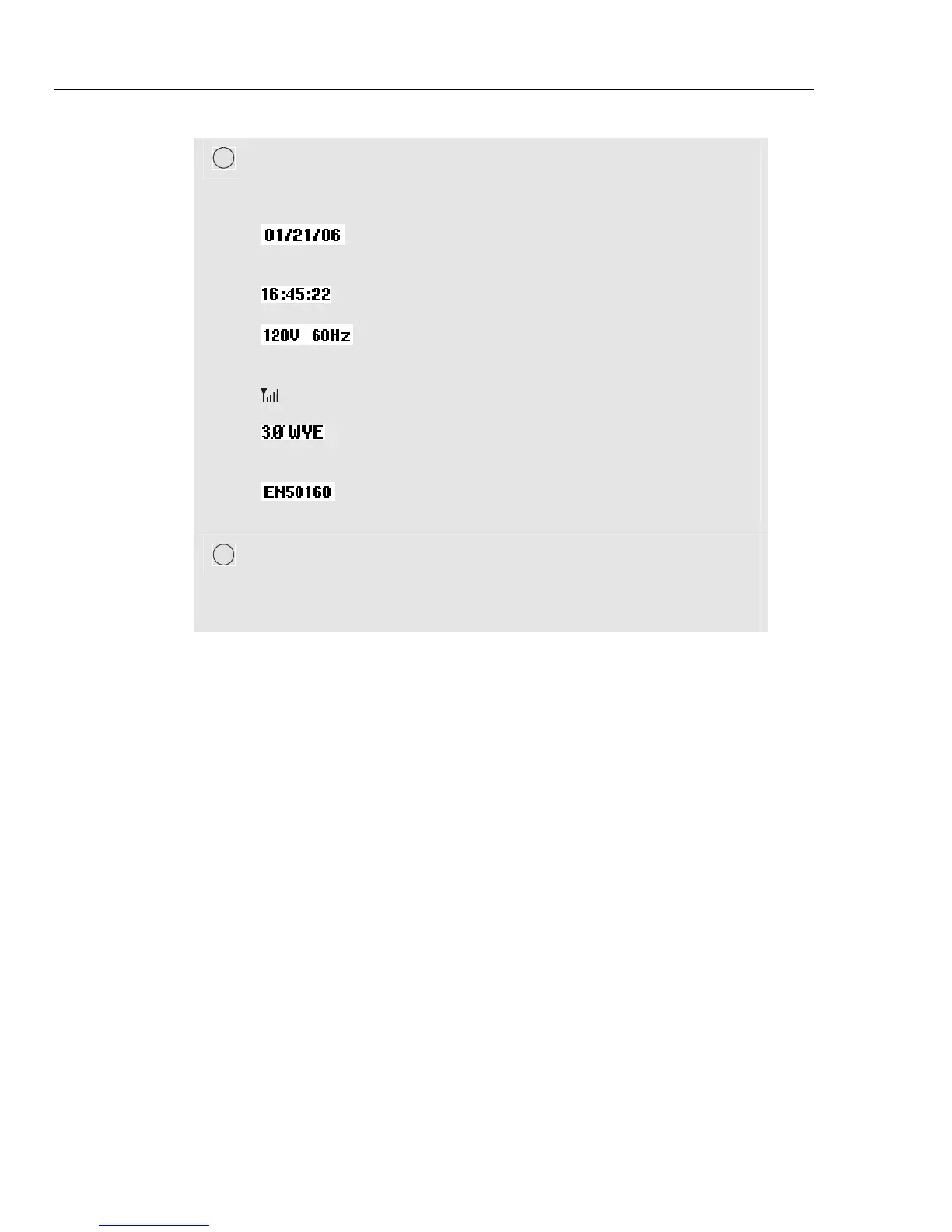
Status line: following information appears on the screen. How to adjust
these items is explained in Chapter 20 – General Settings. Following
information is given:
Date of Analyzer’s real time clock. Date format may be
month-day-year or day-month-year.
Time of day or cursor time.
Nominal line voltage and frequency: are a reference for
the measurements.
GPS signal strength indicator.
Number of phases and wiring configuration for the
measurement.
Name of the limits used for the power quality MONITOR,
dips, swells, interruptions, rapid voltage changes.
F
Softkey text area: softkey functions that can be selected with F1 ... F5
are indicated in white. Functions currently not available are indicated in
gray. Active Function key selections are highlighted with a black
background.



 To Next Page