Power & Energy
Meter screen11
11-3
F
1
F
2
F
3
F
4
F
5
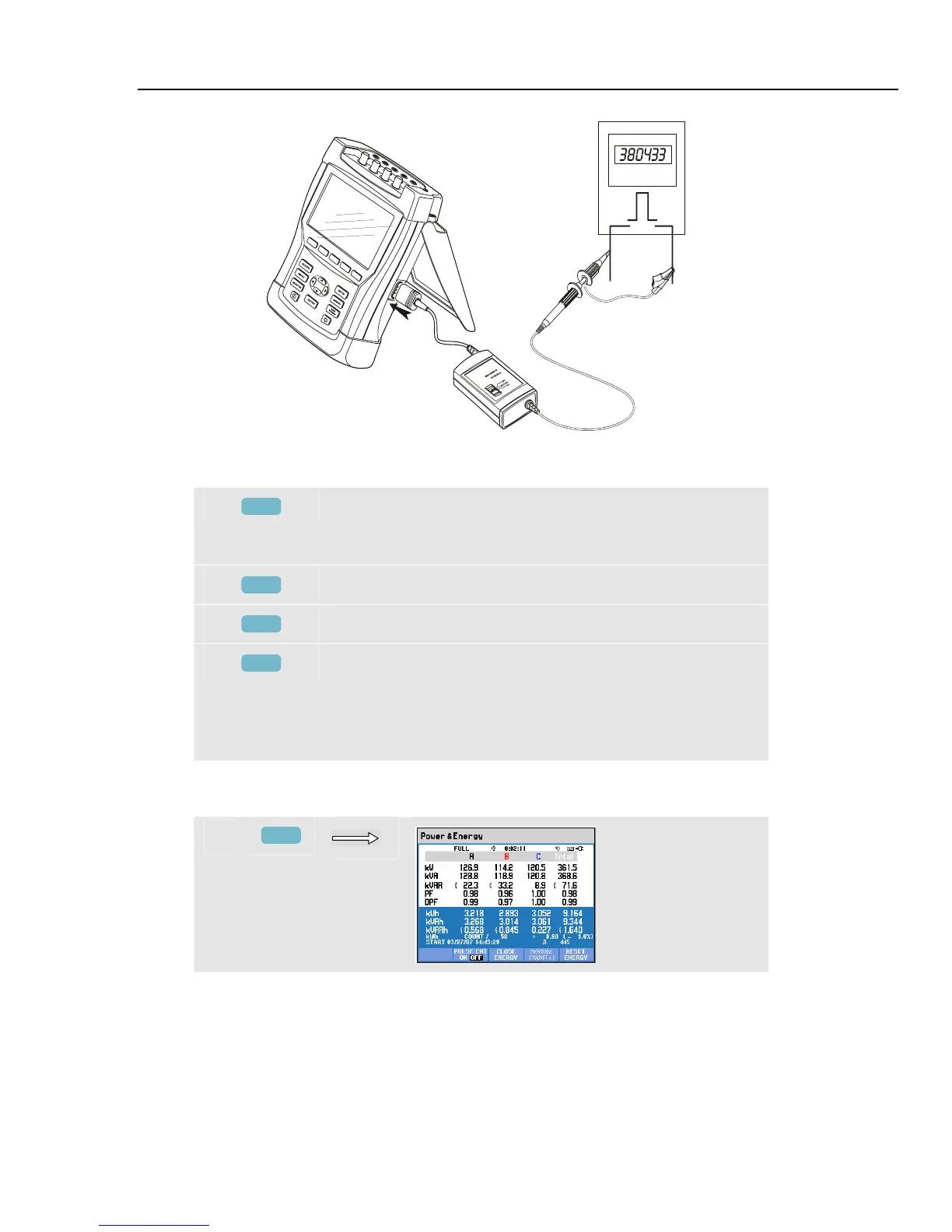
Figure 11-1. Verification of an energy meter with pulse output
Available function keys:
F1
Switch between voltage readout per phase
(A/L1,B/L2,C/L3,N) or phase-to-phase (AB,BC,CA) for 3-
phase Y configuration.
F3
Switch Energy popup screen on.
F4
Access Trend screen. For description see below.
F5
Switch between HOLD and RUN of screen update.
Switching from HOLD to RUN invokes a menu to select
immediate (NOW) or TIMED start time which allows you
to define start and duration of the measurement.
If Energy is displayed, the readout can be reset with F5.
To access the Energy popup Meter screen:
f
F3



 To Next Page