Logger
Start Menu17
17-3
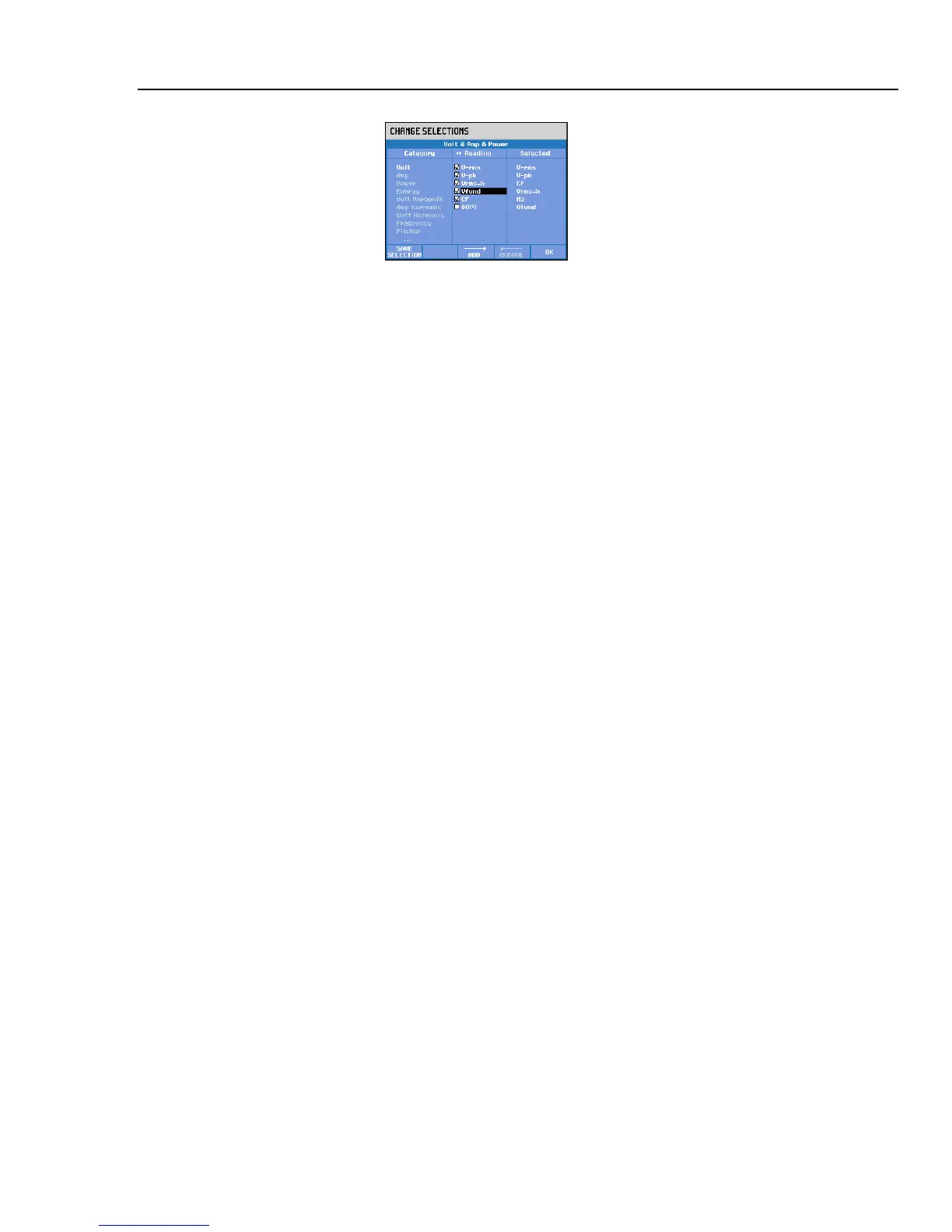
Figure 17-3. Vfund available for logging
Removing a selected reading: Use the arrow keys to highlight the reading to be removed
from the ‘Selected’ column. Press function key F4 – REMOVE to remove the reading.
You can highlight a reading in the ‘Selected’ column and move it upwards with function
key F3 – MOVE. This reading then will appear at a higher level in the Trend and Meter
screens with measuring data.
When done with selecting readings to log, you can start logging by pressing function key
F5 - OK. You can save the set for future use; this occurs via a menu to define a name for
the set with the arrow keys.
You can change the name of the logging setup template with the arrow keys in the menu
under function key F2 – CHANGE NAME.
You clear memory for logging data via the confirm menu under function key F2 –
MEMORY CLEAR.
Press function key F5 – START to start logging.



 To Next Page