Fluke 434/435
Users Manual
20-2
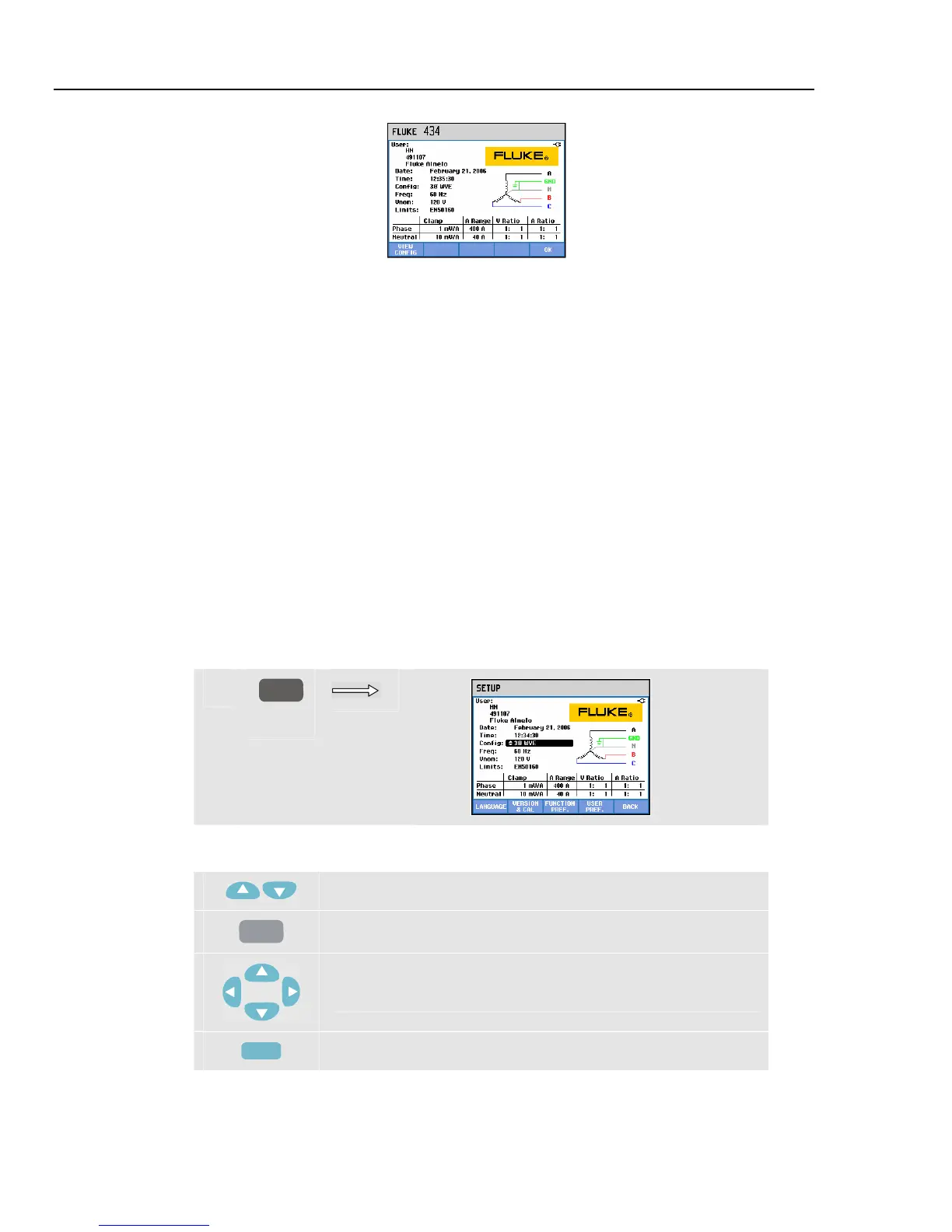
Figure 20-1. Welcome screen at power-on
The Settings are grouped in four functional sections and are explained accordingly in four
sections of this manual chapter:
• General Settings: Date, Time, GPS time synchronization, wiring Configuration,
nominal Voltage, nominal Frequency, current and voltage probe type, information
language, survey and installation of options.
• FUNCTION PREFerences: adjustment of Offset and Span of Trend and Waveform
displays, contents of harmonics Meter screen and harmonics settings, power settings,
flicker D-parameter settings, Inrush defaults, and Transient settings. Function key F4
in these menus gives a reset to factory default settings. Default settings usually give a
good display.
• USER PREFerences: adjustment of Phase Identification and Colors, Printer and RS-
232 settings, Auto shut-off, definition of User name (as shown in entry screen), and
display contrast. Many menus have a function key for reset to factory default settings.
• Limits Settings: for save, recall, and definition of the limits for power quality
monitoring.
The figure below shows the entry menu present under the SETUP key.
Entering the Setup menu:
c
SETUP
Menu navigation and selections:
Selection of the item to be adjusted.
ENTER
Press to access the selected settings menu.
To select (up/down) and adjust (left/right) items in a settings
menu.
F5
Confirm the selection and return to previous menu.



 To Next Page