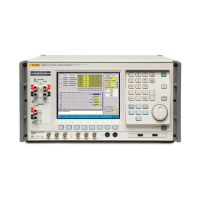
6109A/7109A
Operators Manual
34
(Program > Select > Edit) Edit Setpoints
Add, delete, or change program setpoints.
A list of program setpoints is shown. Push or and then to
choose a setpoint to change.
Move to Add and push to add a new setpoint to the end of the list.
(Program > Select > Edit > Edit Setpoints) Insert
Add a setpoint just above the highlighted setpoint.
(Program > Select > Edit > Edit Setpoints) Delete
Delete the highlighted setpoint.
(Program > Select > Edit > Edit Setpoints) Move Up
Exchange the highlighted setpoint with the one just above it.
(Program > Select > Edit) Save
Save the program to memory.
(Program > Select) Options
Change general program and report settings.
If Program Beep is ON, the Product beeps when the program finishes.
In the 7109A-P and 6109A-P, settings to manage reports are also
available.
• Report determines whether a test report is created. Readings are
captured at the end of the dwell time and added to the report.
• Standard determines the source for the reference temperature. If
Standard is Reference (and a reference probe is connected and
configured) the recorded reference temperature will come from the
reference probe. Otherwise the reference will be the internal control
sensor.
• Pass Tolerance specifies the maximum acceptable difference
between the DUT temperature and the reference temperature.
w ww . . co m
information@itm.com1.800.561.8187



 To Next Page