CableIQ Getting Started Guide
8
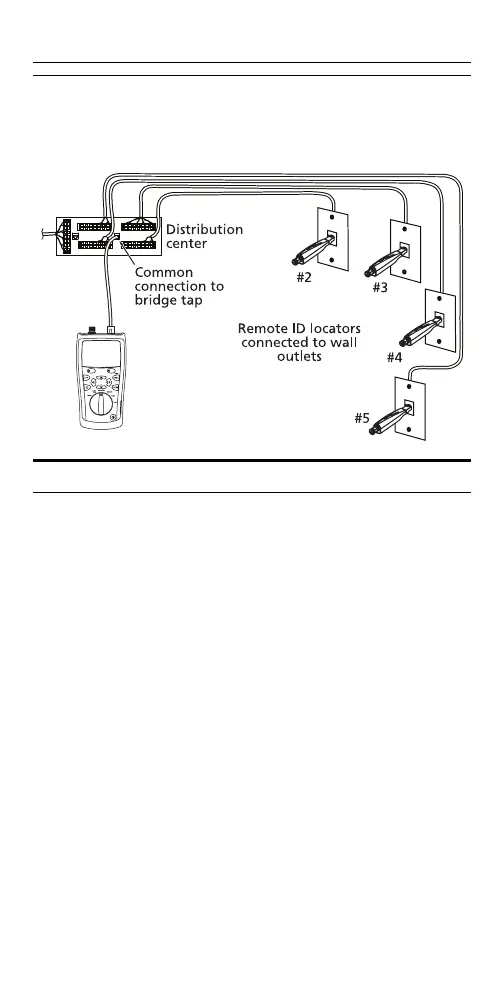
Discover Mode with MultiMap
Verifies wiremaps of multiple telephone outlets
connected in a star or bus topology.
axy07
Qualifying Cabling with the Autotest
The Autotest tells you if cabling will support a selected
application. You can save Autotest results to document
an installation.
Connect to the cabling as shown on pages 3 and 4. Turn
the rotary switch to AUTOTEST; then press
P. To select
tests and pairs to test, press
J Setup.
Note
The Autotest does not support use of multiple
remote ID locators (the MultiMap function).
To save the test, press
K S. You can enter a Site
name, Location, and Outlet to identify the results. The
last character of the Outlet string increments each time
you save an Autotest.









 To Next Page