CableIQ Getting Started Guide
6
Discovering Cabling Characteristics
Discover mode lets you quickly check wiremaps, measure
length, and determine if cabling is connected to a
network port or video device.
Turn the rotary switch to DISCOVER, then connect to
twisted pair or 75 Ω coaxial cabling with or without a
wiremap adapter at the far end. Results from Discover
mode cannot be saved.
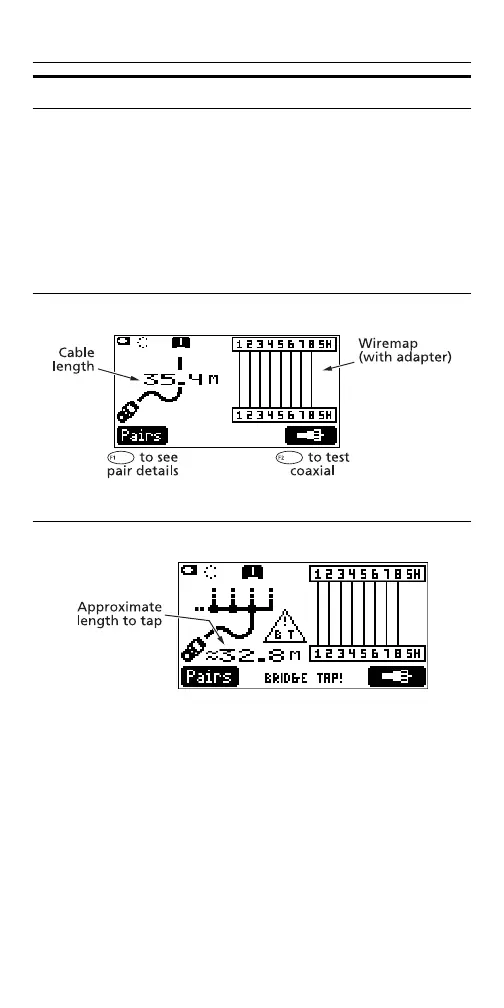
Discover Mode on Twisted Pair Cabling
axy46
Discover Mode on a Bridge Tap
axy49









 To Next Page