CableIQ Getting Started Guide
10
Blinking a Port Light
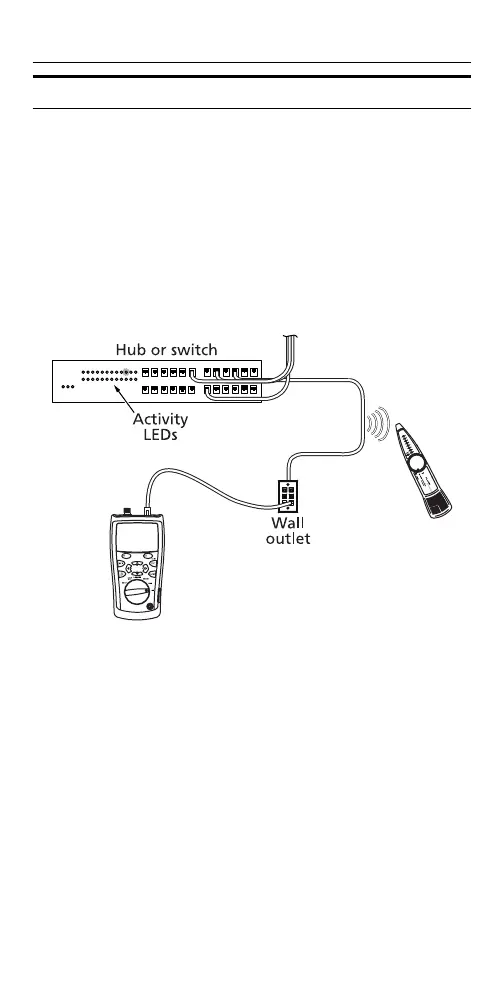
The Blink Port Light function helps you determine which
cable is connected to which port on a network hub or
switch.
The tester’s analog toner is also active when the port
light function is active.
Turn the rotary switch to DIAG; then select Blink Port
Light. Look for the blinking activity LED on the hub or
switch.
axy05









 To Next Page