Charging the Battery
Charge the battery for about 4 hours before using battery power for
the first time. To charge the battery, connect the ac adapter/charger
and set the switch on the display to OFF/CHARGE. The LED on the ac
adapter/charger is red during charging and green when charging is
complete. A fully-charged battery lasts about 3 hours when the
display is on continuously.
WWarning
X
To avoid possible fire, electric shock, personal injury or
damage to the video microscope, use only the ac adapter/
charger provided to power the display and charge the
battery.
Note
The battery charges only when the display’s power switch is
in the OFF/CHARGE position.
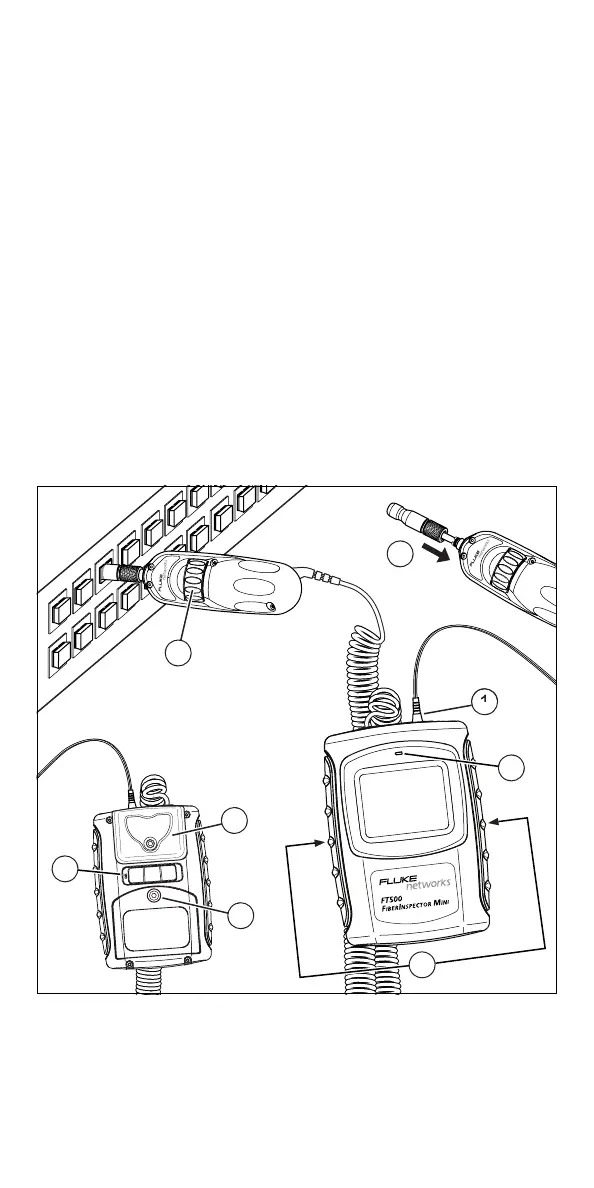
Features and Use
etn01.eps
5
3
1
2
8
6
4
7



 To Next Page