Ti20
Users Manual
1-14
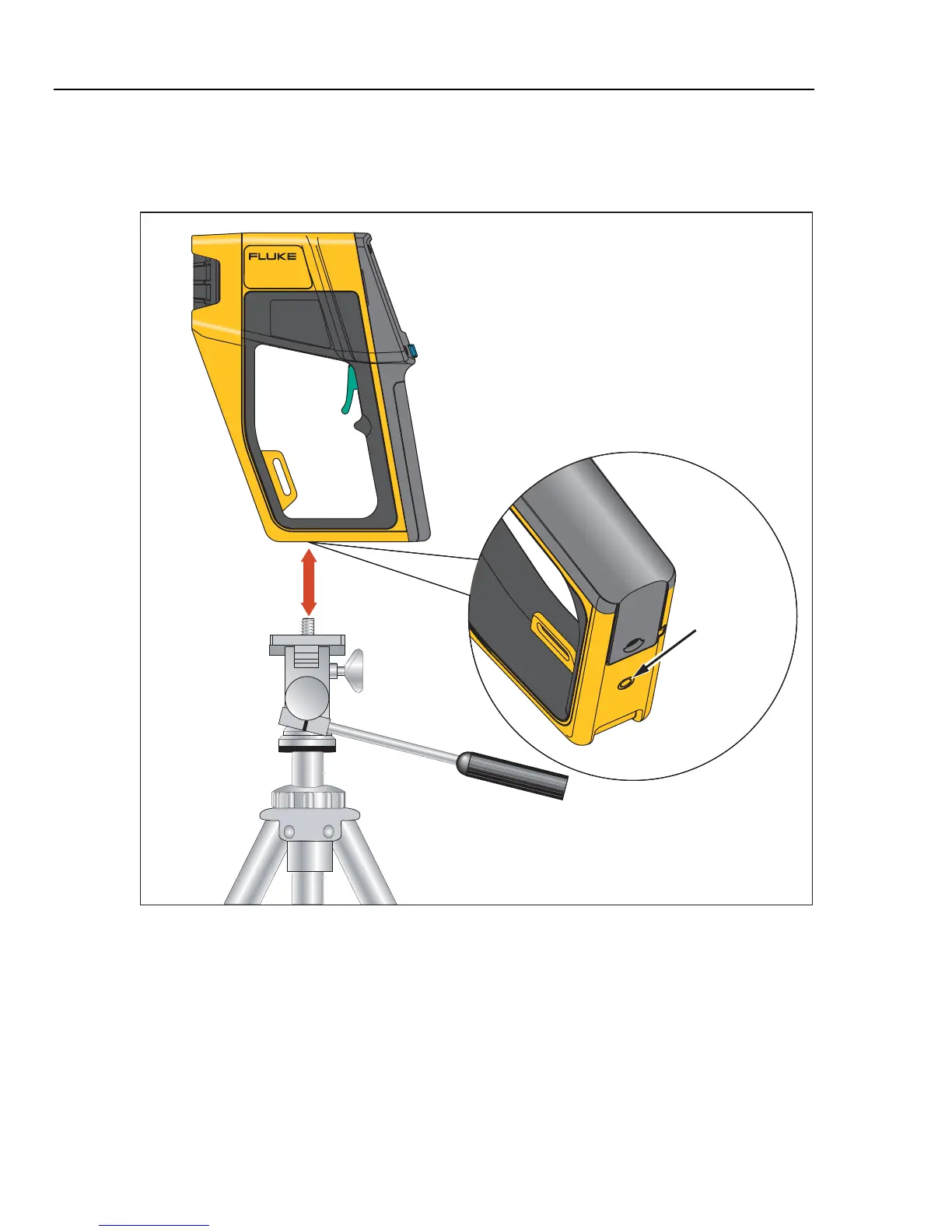
Mounting the Imager on a Tripod
A tripod mount is provided on the bottom side of the Imager. Rotate or screw the Imager
onto a tripod using the tripod mount as shown in Figure 1-10.
THERMAL IMAGER
Ti20
Threaded Tripod
Mount
dag010f.eps
Figure 1-10. Mounting the Imager on a Tripod
Cleaning
This section describes how to clean the Imager case and lens.
Cleaning the Case
Periodically wipe the case with a damp cloth and mild detergent. Do not use abrasives or
solvents.



 To Next Page