Advanced Imager Operation
Selecting a Palette 3
3-3
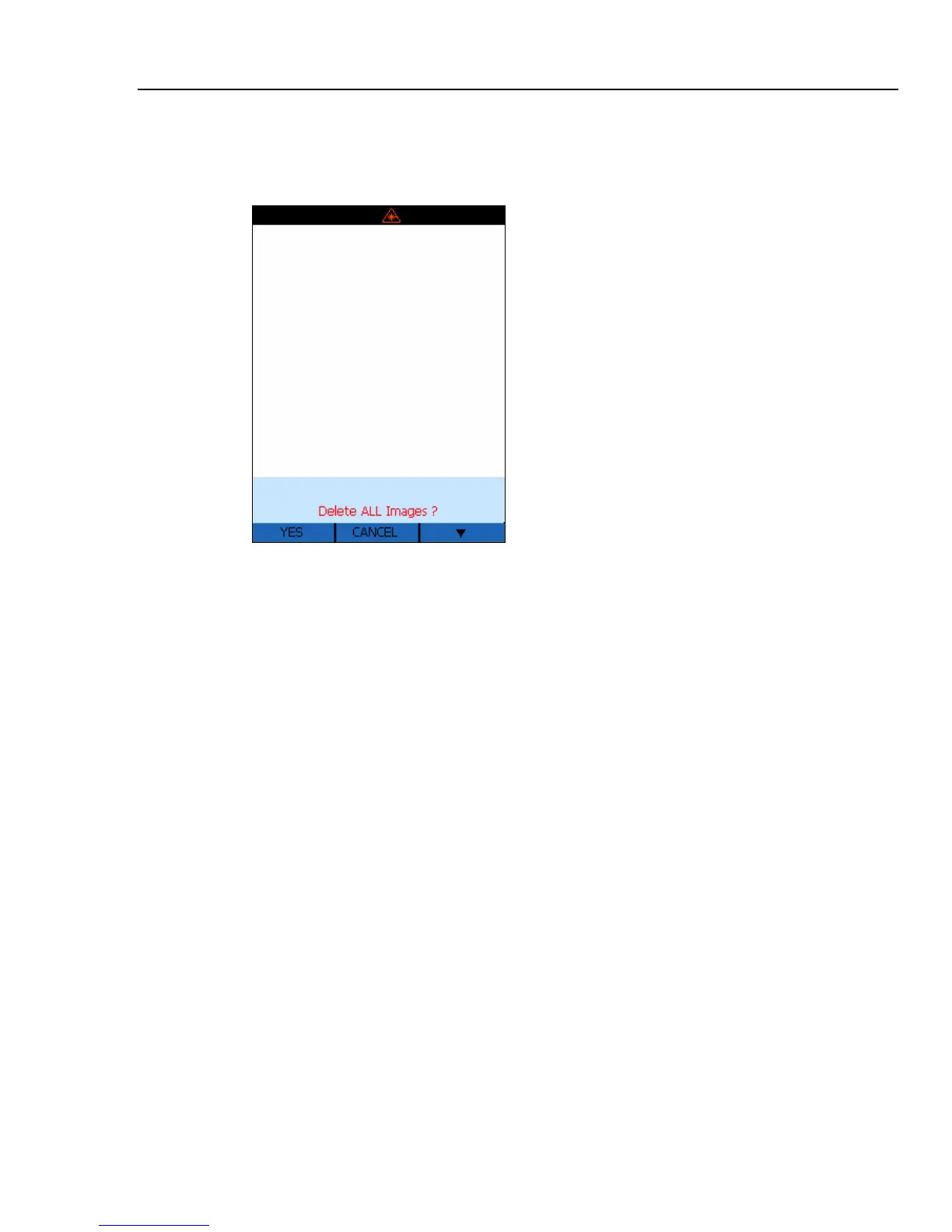
5. The Delete ALL Images display show you a representation of the stored images.
Press F (
YES) to delete all the stored images or G (CANCEL) to return to the
Home display.
dag117f.bmp
6. After deleting all images you will return to the Home display.
Selecting a Palette
Palettes are used to change the color of live thermal images or the palette of the
temperature color bar. Palette options are:
• Gray
• Rainbow (default palette)
• Ironbow
• Reverse Grayscale
1. From the Home display, press G (
MENU) two times to navigate to the Palette
Selection display.
2. Press H (
PALETTE) to choose a palette.



 To Next Page