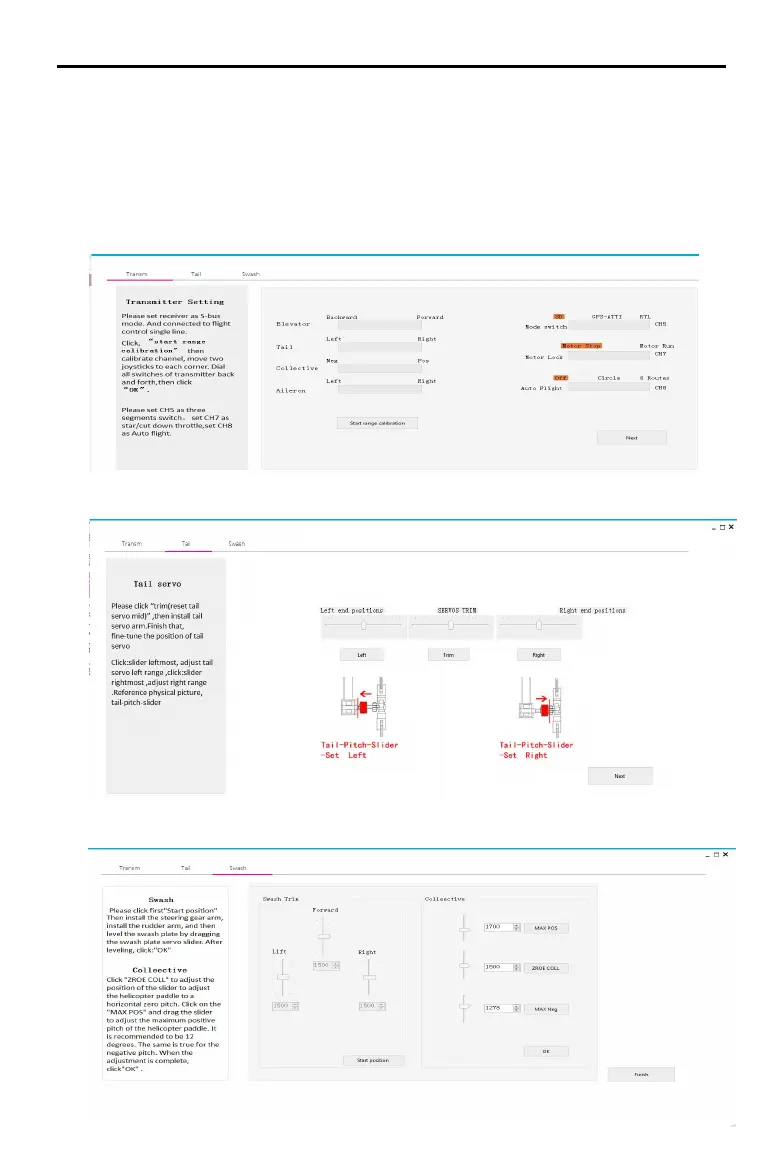
8,After the parameters are imported successfully, follow the instructions on
the left to perform remote transmitter calibration. If the software display
does not match the direction of the remote control (the transmitter pushes
forward and the software progress bar is at the “back” end), the
corresponding channel will be displayed in the transmitter menu. Reverse
(refer to the transmitter manual) until all channels are correct. Set the
transmitter 5 channel to three-stage switch for mode switch; set the
transmitter 7channel to 2 segment switch for motor safety lock; set the
transmitter 8 channel to 2 segment switch for automatic route switch.
9,Enter the tail servo installation option and follow the instructions on the left to
determine the neutral position and stroke calibration of the tail servo.
10,Enter the swashplate installation option and follow the instructions on the left
for swashplate adjustment and pitch adjustment.
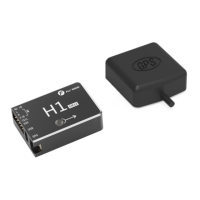
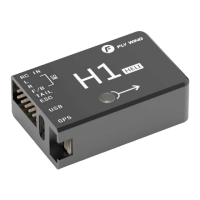
H1
user manual


 To Next Page