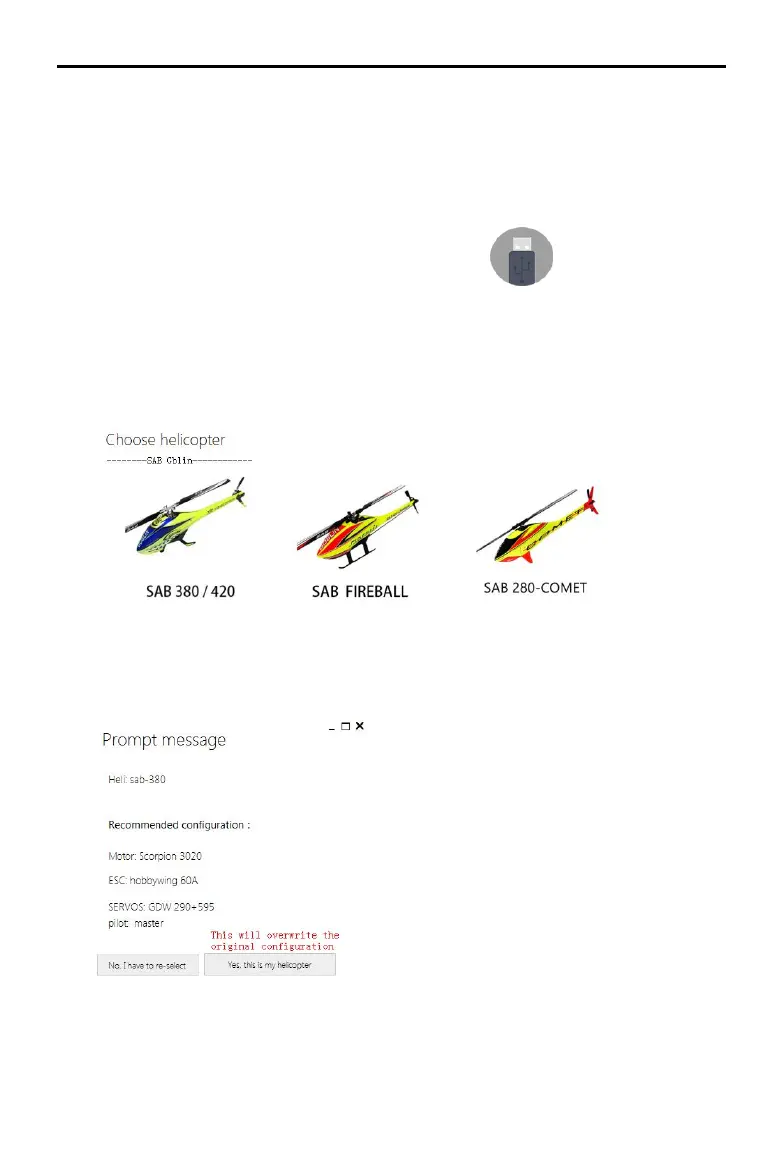
4,Click "Install New Helicopter" on the main interface.
5,Select the corresponding helicopter
6,Confirm helicopter configuration
7,Click "Yes, this is my helicopter", it will write the preset parameter
information, and prompt the import is successful without additional
adjustments.
Parameter settings
Please watch the “Parameter Settings” video, run the Assistant, and follow
the software instructions and embedded instructions to complete the
parameter settings. The parameter setting process is as follows:
1 Ensure that the flight control system is powered properly.
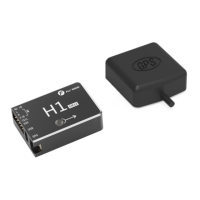
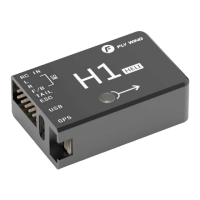
2 Connect H1 to your computer.
3 Run Assistant.
Choose the correct COM port,Click to connect to
the computer


 To Next Page