Mount the Unit
Before the installation
Pay attention to the following before mounting the unit:
• Install the unit in a metal cubicle if the environment is considered to be likely to cause
disturbances.
• Apply the general rules on the separation of power and signal cables inside the
cubicle or in cable ducts. Insufficient separation increases the risk of disturbances and
makes service and maintenance more difficult.
• Make sure that the temperature range of the cubicle will be between 32 and 122°F
during operation.
Mount the operator panel
Follow these steps to mount the operator panel in an equipment cabinet.
Table 2
Step Action
1 Draw the opening to be made in the panel door according to the illustrations below this table.
2 Mark the locations of the six holes for the screws that will secure the frame to the panel door. Drill
the screw holes with a 5 mm drill.
3 Drill a small pilot hole in each corner of the intended opening.
4 Open up the holes with a 10 mm drill. Make sure that the holes are not outside the opening you
have drawn.
5 Make an opening for the operator panel in the panel door using a jigsaw .
6 Place the operator panel in the opening.
7 Fit the washers and nuts, and tighten them firmly.
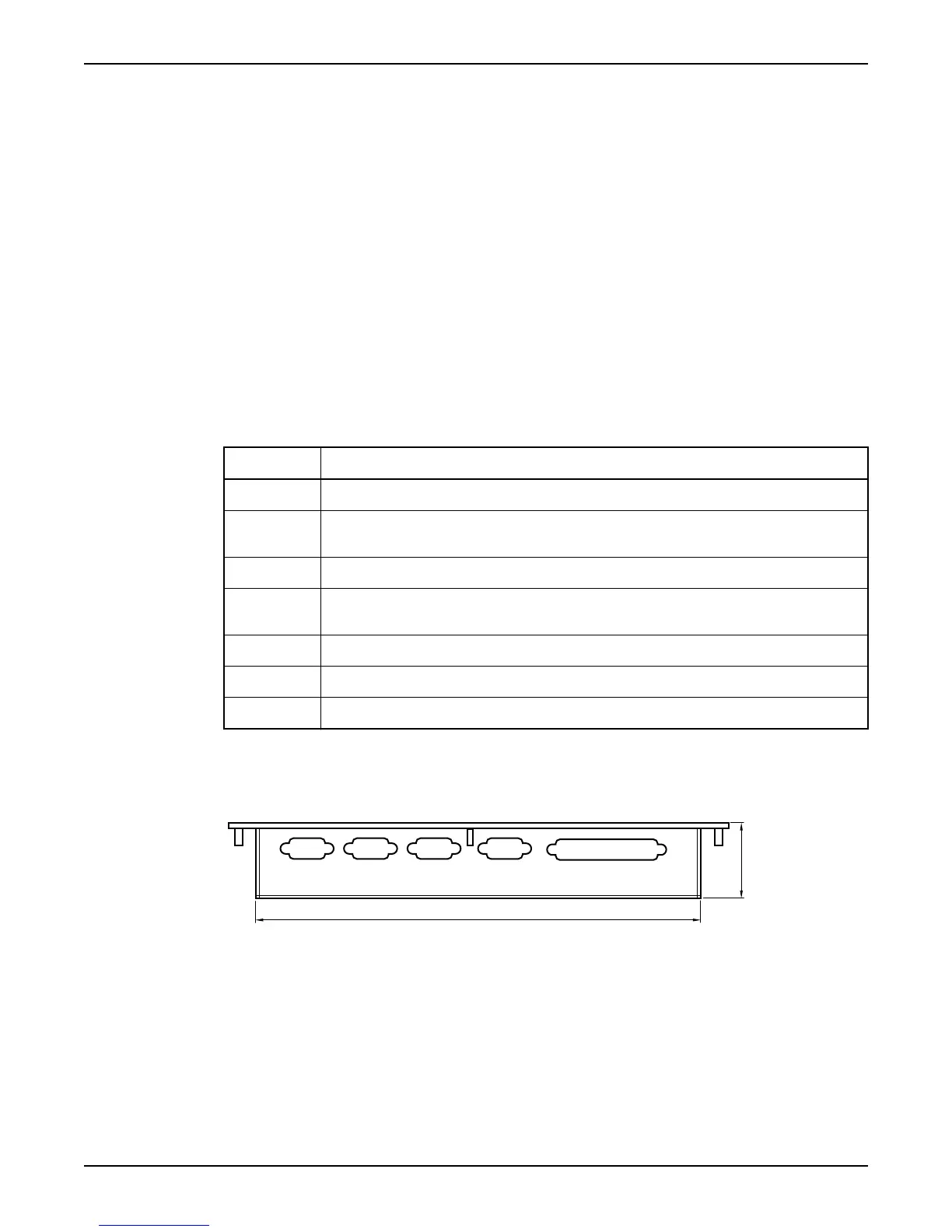
Dimensional drawing: Operator panel
This is a dimensional drawing of the operator panel.
Figure 1
Mount the Unit
Hardware for APP700 and APX700 Installation 5



 To Next Page