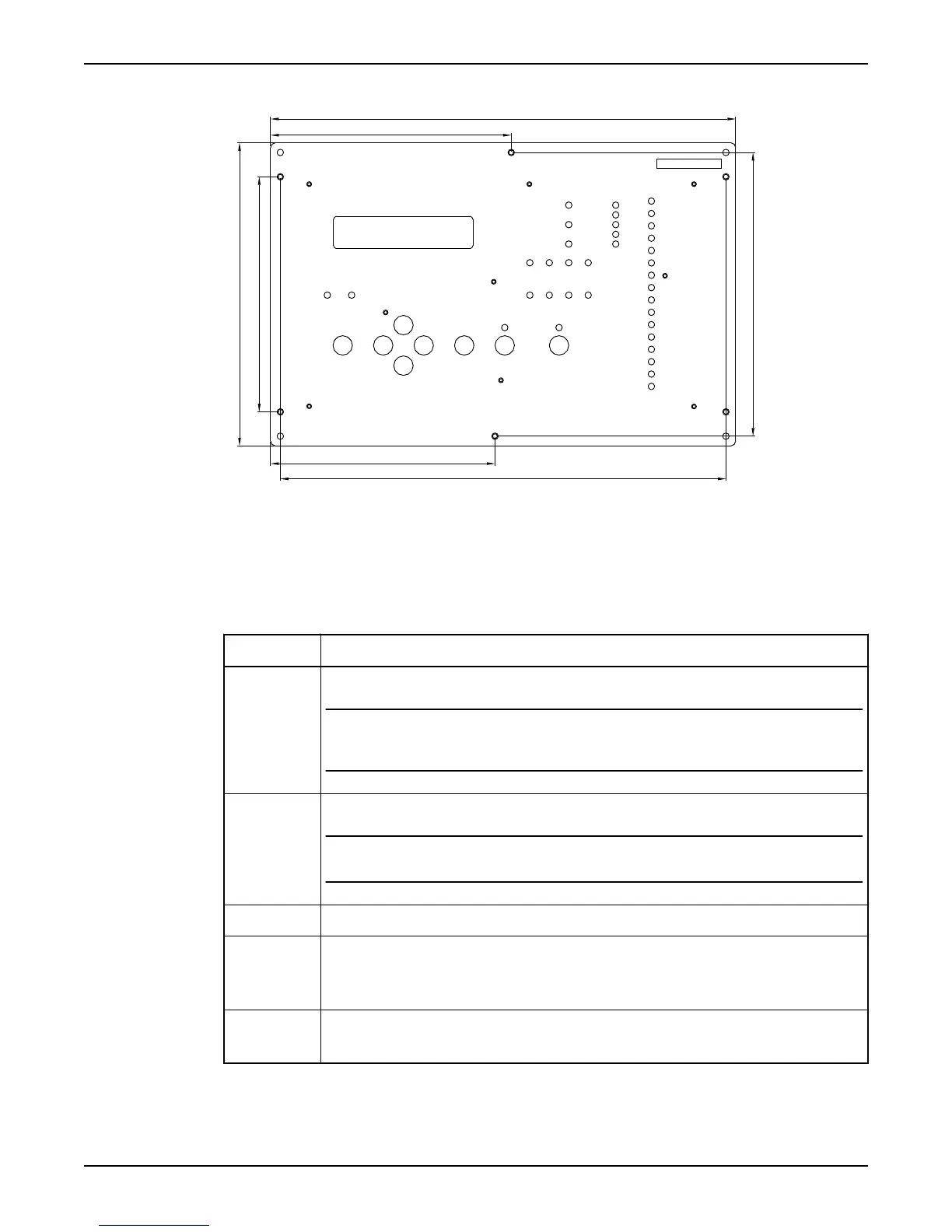
5.85 in
11.30 in
6.90 in
10.83 in
5.45 in
7.36 in
5.71 in
Figure 2
Mount the I/O unit
Follow these steps to mount the I/O unit.
Table 3
Step
Action
1 Locate the unit as far as possible from incoming main power service.
NOTICE:
Avoid locating the unit close to contactors, solenoid valves and similar equipment. The distance
from such units should be at least 11.8 inches
2 Locate the 24VDC power supply unit and the battery unit (if any) close to the RTU.
NOTICE:
Note! The distance between them should be as small as possible, not more than 19.7 inches
3 Mark the four holes for the mounting screws and drill with a 4 mm drill.
4
• Screw the screws half way in.
• Hang the I/O unit on the screws.
• Tighten the screws firmly.
5
• Connect the cable supplied between the operator panel and the I/O unit.
• Secure the cable so that it will not be crimped.
Mount the Unit
6 Hardware for APP700 and APX700 Installation



 To Next Page