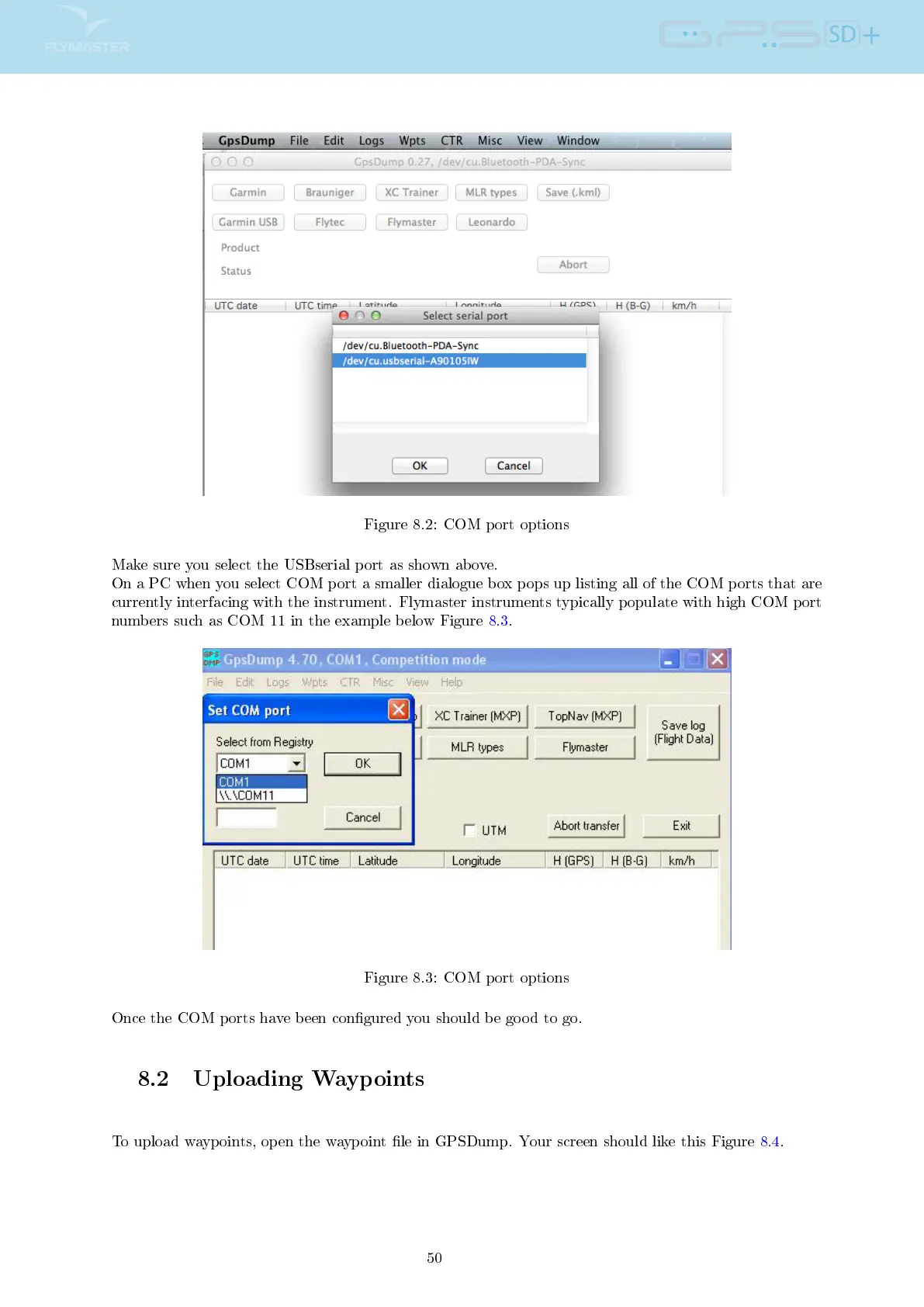
Figure 8.2: COM port options
Make sure you select the USBserial port as shown above.
On a PC when you select COM port a smaller dialogue box pops up listing all of the COM ports that are
currently interfacing with the instrument. Flymaster instruments typically populate with high COM port
numbers such as COM 11 in the example below Figure 8.3.
Figure 8.3: COM port options
Once the COM ports have been congured you should be good to go.
8.2 Uploading Waypoints
To upload waypoints, open the waypoint le in GPSDump. Your screen should like this Figure 8.4.
50



 To Next Page