11
Input Configuration
The settings for an input channel – its input type and function options
– are selected via the Config Menu.
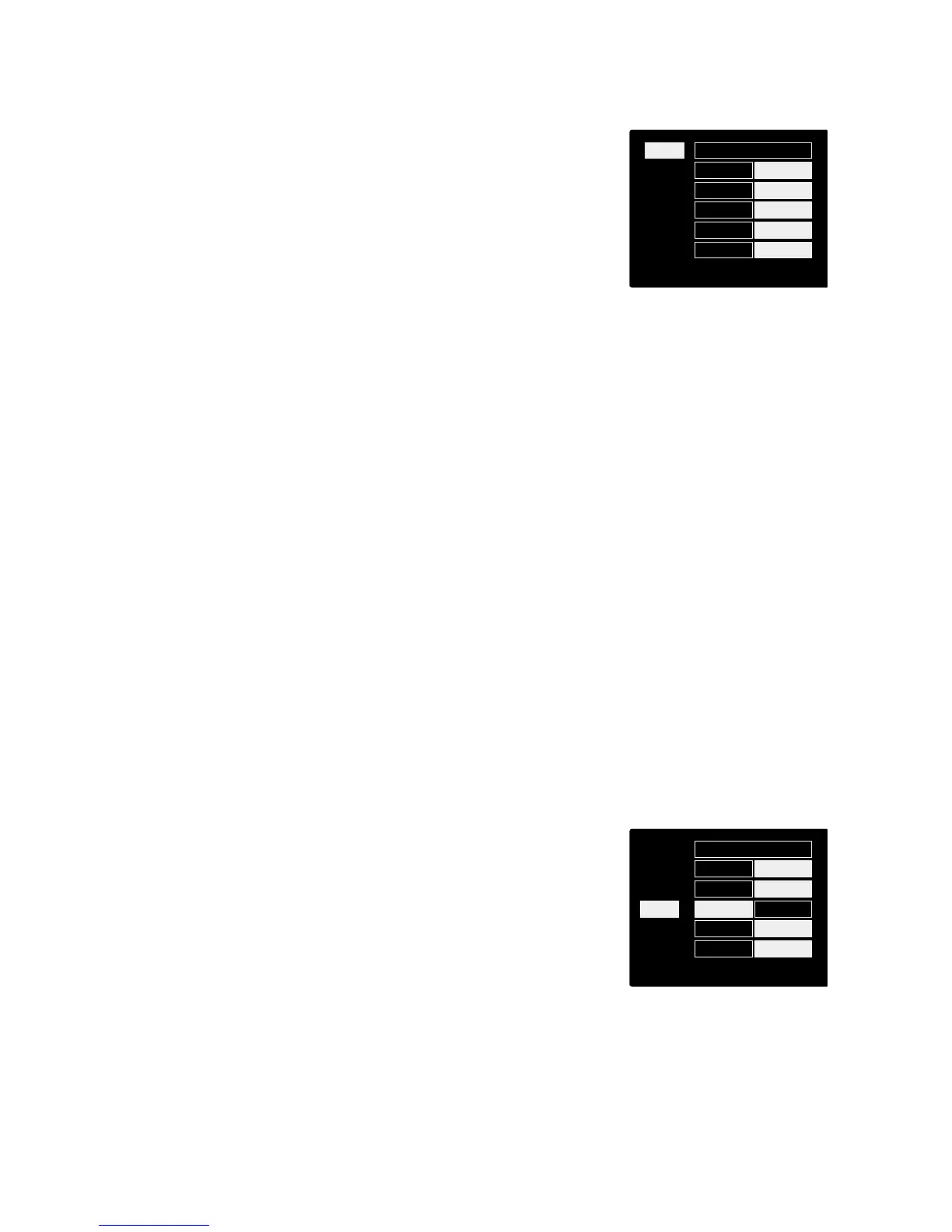
• To enter the Config Menu, press-and-hold a channel’s Select
button
To exit this screen, press any of the channel Select buttons (or, rotate
the Input Encoder to the ‘Back’ option and then click).
Input Functions
The following channel functions can be set, or toggled On/Off, from the Config Menu screen:
• Type selects the signal input type to be used for the channel:
For channels 1 & 2: Instrument › Mic › Line
For channels 3 & 4: Mic › Line
• +48V enables phantom power for the selected microphone input
• Phase applies phase inversion to the selected channel
• HPF switches in the 80Hz high-pass filter
• AIR changes the microphone, line and instrument input characteristics to AIR mode. (See Appendix
3, page 27 for further information)
• Link combines channels 1 & 2 [and/or 3 & 4] so they operate as a stereo pair. When linked, Gain
and Input Type changes to either of the paired channels will be applied to both
When linking channels, the existing gain and input type settings for channel 1 [or 3] will be applied to channel
2 [or 4]
• Back exits the Config Menu screen and returns to the Overview display
Pressing any of the channel Select buttons will also exit the Cong menu screen)
To change an input function:
1 Rotate the Input Encoder until the required function is
highlighted
2 Push the Input Encoder to step through the input types or to
toggle On/Off














 To Next Page