14
Monitoring
Monitors
Monitor outputs, at line level, are provided via the 1/4” jack outputs
on the rear panel.
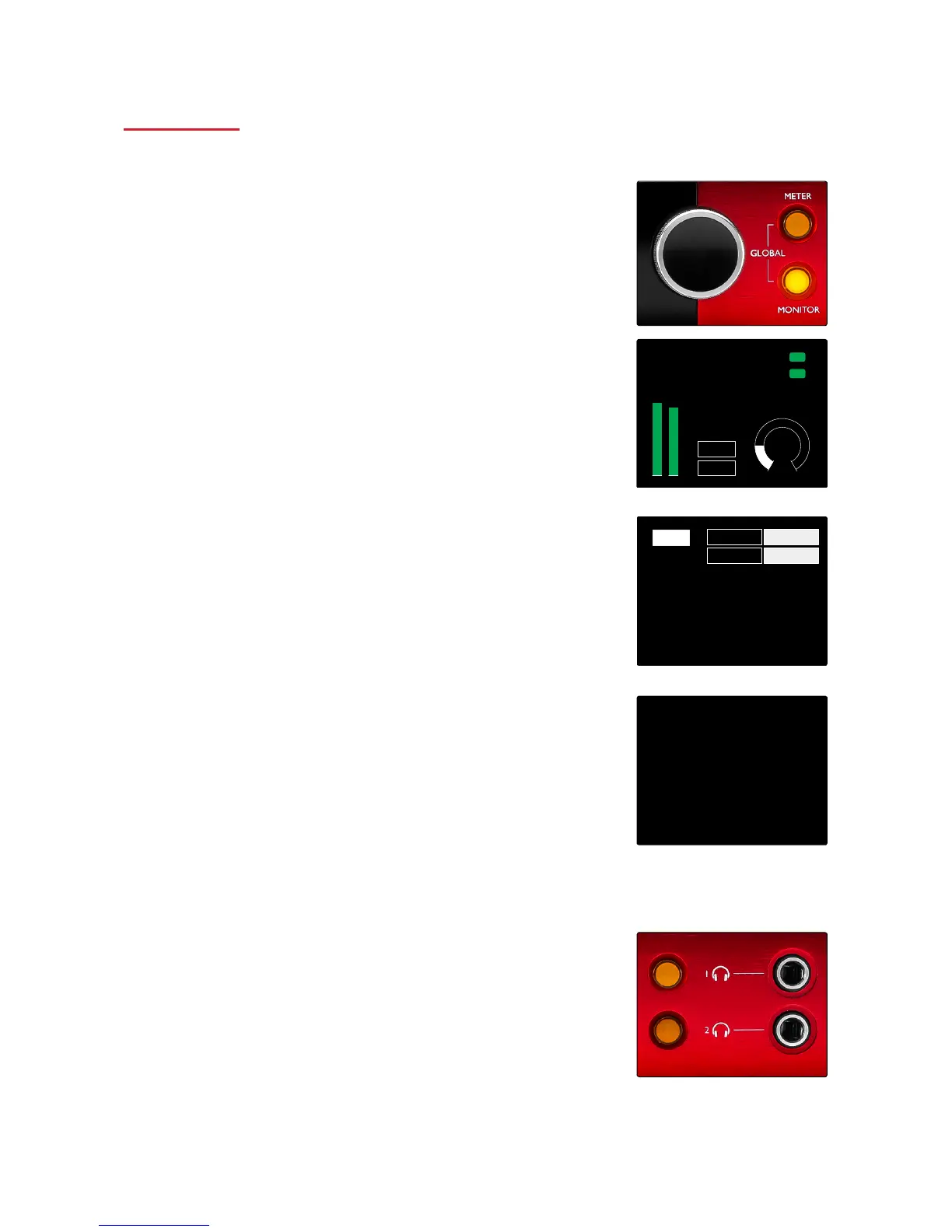
• The Output Encoder will adjust the monitor output level
whenever the Monitor button is illuminated
Monitor Display
The monitor display shows the current volume level and whether
either Dim or Mute is active. ‘Dim’ attenuates the signal by 18dB.
The L/R meter display shows a pre-fade level (the signal level
present before the Output Encoder).
The display also shows the Global Host and Sync settings and their
lock status flags (see ‘Global Settings’ on page 19).
Mute and Dim
Mute and Dim functions are individually enabled via the Monitor
Setup menu. Additionally, the Output Encoder can be programmed
to toggle either the Dim or Mute function when clicked.
Menu activation:
1 Press-and-hold the Monitor button to enter the Setup menu
2 Rotate the Output Encoder to highlight either Dim or Mute
3 Click to select On or Off
4 To exit, press Monitor again (or select the ‘Back’ option)
Toggle Function programming:
1 Enter the Monitor Setup menu as above
2 Rotate to highlight the function to be programmed
3 Press-and-hold the Output Encoder until the confirmation
message appears
The selected function will now toggle on/off each time the Output
Encoder is clicked.
Headphones
Two independent stereo headphone outputs are available on the
front panel.
• To adjust a headphone’s volume level – or to activate Dim or
Mute – press one of the Headphone Select buttons
Also see: Focusrite Control – Monitor Controls, on page 21
For Dim and Mute activation and programming, refer to the ‘Mute and Dim’
section above but substitute ‘Monitor button’ with the appropriate Headphone
Select button.














 To Next Page